The Spreadsheet Phase
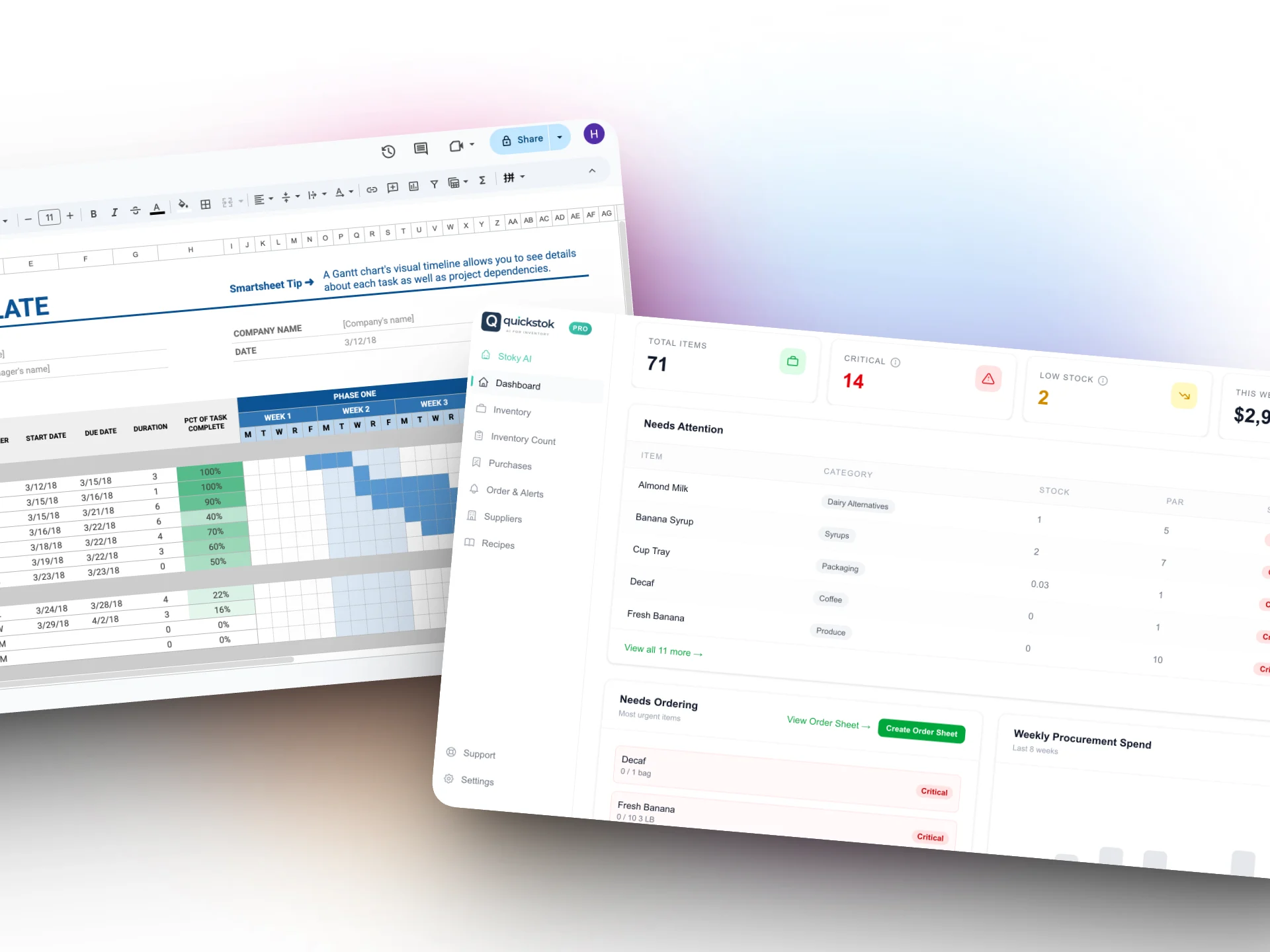
Spreadsheets work for café inventory management when you have fewer than 30 items, order from 1–2 suppliers, and one person handles all the counting and ordering. Once you pass any of those thresholds — and most cafés do within their first year — a spreadsheet becomes the bottleneck: manual data entry, version drift between staff, and zero help with how much to actually order. Here's an honest comparison of spreadsheets vs AI inventory tools, including the specific point where switching pays for itself.
The spreadsheet phase is fine when:
- You have fewer than 30 items to track
- You order from 1-2 suppliers
- One person handles all the ordering
- Your menu doesn't change much
But cafés grow. You add a food menu. You switch oat milk brands. You start ordering from a specialty roaster. Suddenly your spreadsheet has 60+ rows, three tabs for different suppliers, and a formula that broke two weeks ago that nobody noticed.
Where Spreadsheets Break Down
Manual Data Entry = Manual Errors
Every number in a spreadsheet was typed by a human. Humans transpose digits, skip rows, and round up because they're in a hurry. One wrong number in your espresso bean count means your reorder timing is off for the entire week.
No Alerts
Spreadsheets don't tap you on the shoulder. They sit there quietly while your cold brew concentrate hits zero. You only find out when a barista yells "we're out!" during the morning rush.
Time Cost
Café owners report spending 3-5 hours per week on inventory-related tasks when using spreadsheets: counting, cross-referencing invoices, building order sheets, checking prices. That's half a shift spent on admin instead of making drinks or talking to customers.
No Price Tracking
When your oat milk supplier raises prices by 8%, do you notice? In a spreadsheet, you'd have to manually compare this invoice to the last one. Most people don't. The margin erosion is silent.
Can't Calculate COGS
Knowing your cost of goods sold per drink requires linking ingredient costs to recipes. In a spreadsheet, this means complex formulas that break when you add a new drink. Most café owners just... don't track COGS. And that's how a $6 latte can secretly cost you $4.50 to make.
What AI Inventory Tools Actually Do
"AI" in this context isn't a robot running your café. It's software that does the boring analytical work automatically:
Receipt Scanning
Upload a photo of your supplier invoice. AI reads every line item — product name, quantity, unit price — and matches it to your existing inventory. No manual data entry. Takes about 10 seconds instead of 15 minutes.
Usage Prediction
After a few weeks of counts and receipt uploads, the software calculates how fast you go through each item. It learns your patterns: you use more oat milk on weekends, your espresso usage spikes on Mondays, your cup usage is steady.
Automatic Reorder Alerts
When an item is projected to run out within your supplier's lead time, you get an alert. Not after you've run out — before. "Order oat milk by Thursday or you'll be out by Saturday."
Price Change Detection
Every time you upload a receipt, the system compares prices to previous orders. If your Sysco rep bumped up espresso beans by 12%, you'll know immediately — not three months later when you wonder why margins are thin.
One-Click Order Sheets
Instead of building an order sheet by hand, the software generates one grouped by supplier: "Order from Sysco: 4 cases oat milk, 2 cases cups. Order from Onyx: 10 lbs espresso, 5 lbs decaf."
Honest Comparison
Who Should Switch — and When
Stay with spreadsheets if:
- You have <30 items and 1-2 suppliers
- You enjoy the manual process (some people do!)
- You're just starting out and need to learn your patterns first
- Budget is extremely tight
Consider an AI tool if:
- You're spending >2 hours/week on inventory admin
- You've had stockouts that cost you sales
- You have 3+ suppliers
- You want to track COGS but can't with your current setup
- You're growing and need systems that scale
QuickStok is one example of the AI approach — built specifically for cafés and beverage brands. But regardless of which tool you choose, the key question is: is the time you're spending on spreadsheets worth more than the cost of software?
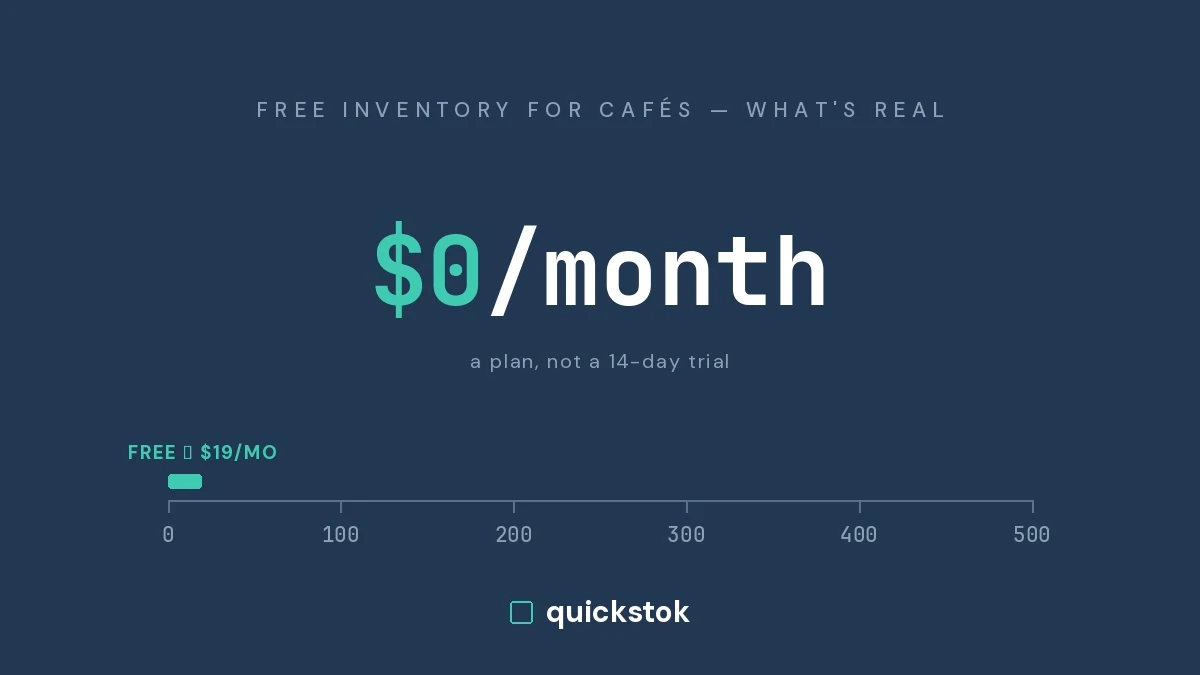
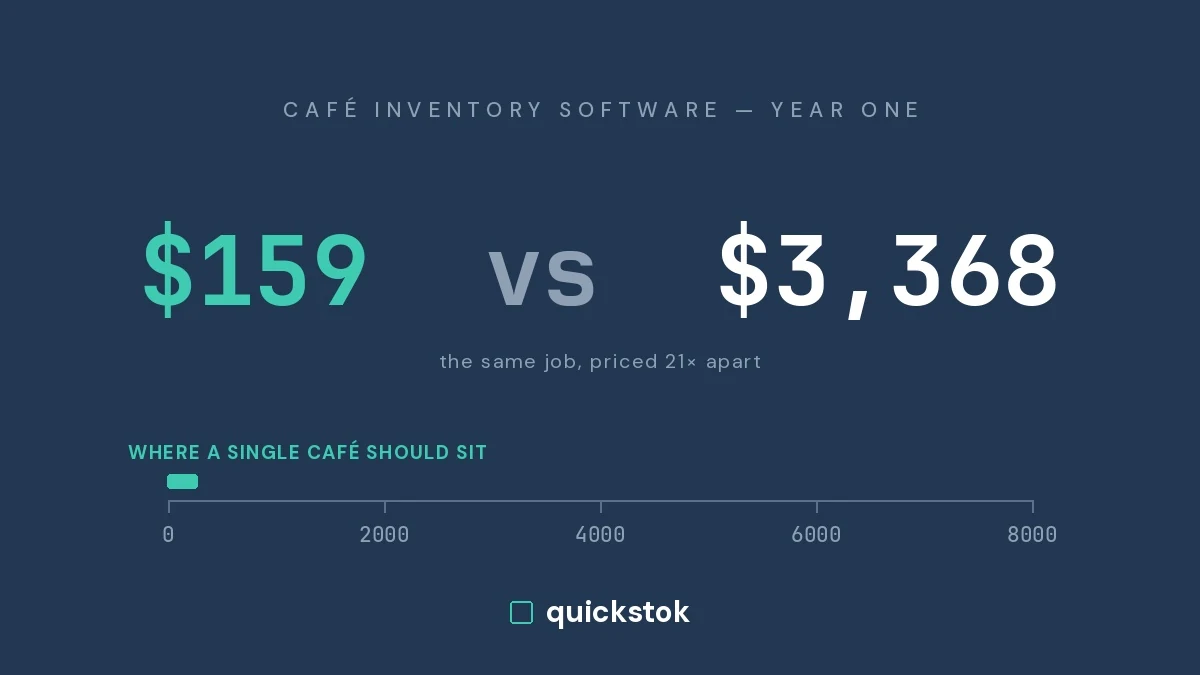
For most café owners doing $15K+ monthly revenue, the math is pretty clear. Three hours saved per week at $25/hour is $300/month in recovered time. A $19/month tool pays for itself ten times over.
The Hybrid Approach
You don't have to go all-in on day one. Many café owners start with a tool for receipt scanning and reorder alerts while keeping their spreadsheet as a backup. After a month, they usually stop opening the spreadsheet entirely.
The goal isn't perfection — it's removing the friction that makes inventory management feel like a chore instead of a quick daily habit.