Café inventory management is the system you use to track what you have, what you're using, and what you need to order — from espresso beans and milk to cups, lids, and cleaning supplies. Done well, it prevents the Monday morning oat milk crisis, cuts food waste by 10–15%, and saves 3–5 hours per week on ordering. This guide covers everything from your first count sheet to AI-powered ordering, based on lessons from running an actual independent café.
Why does inventory management matter for independent cafés?
Here's the thing nobody tells you when you open a café: your ordering habits are probably costing you more than your rent per square foot.
The obvious losses are spoilage and waste — milk that expires because you over-ordered ahead of a slow weekend, pastries that go stale on Monday. But those are actually the smaller part of the problem.
Stockouts cost more. When you run out of oat milk on a Tuesday morning, you're not just losing the $4 latte sale. You're handing that customer to the shop down the street — and potentially losing a regular. A realistic estimate: $50–100/month in lost sales from preventable stockouts. That's conservative for most shops.
Over-ordering ties up cash. The average independent café wastes $200–400/month from excess inventory — ingredients ordered "just in case" that expire, or cases of supplies that take six months to turn while your cash sits on the shelf in the form of lids.
Your time is the third cost and the most invisible one. Most single-location owners spend 3–5 hours per week on ordering — checking stock, calculating what to reorder, texting suppliers, filling out forms. At $30/hour of your time, that's $400–600/month in owner bandwidth that could go toward training, marketing, or just getting home earlier.
Good inventory management doesn't eliminate these costs entirely. But done right, it cuts them by 30–50%.
What should you actually track?
The mistake most new café owners make is trying to track everything from day one. You end up with a 200-line spreadsheet, spend 45 minutes counting every Tuesday, and abandon it by week three because it's not worth the effort.
Start simpler: your top 20 items by monthly cost. That's it.
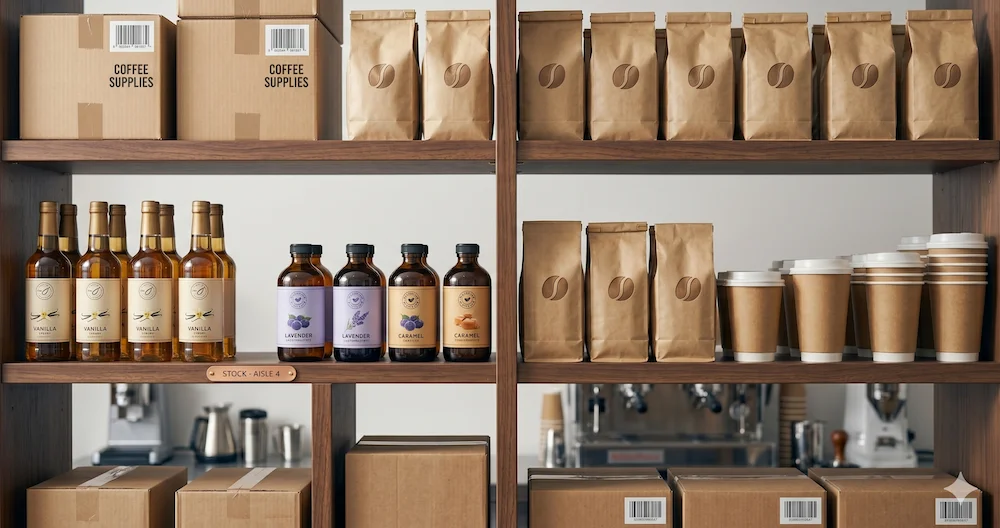
In most cafés, 20–30 ingredients represent 80% of your total spend. For a typical coffee shop, that list looks something like:
- Dairy and milk: whole milk, oat milk, almond milk, heavy cream
- Coffee: espresso blend, drip coffee, decaf
- Syrups and add-ins: vanilla, caramel, hazelnut, brown sugar
- Packaging: 8oz cups, 12oz cups, 16oz cups, cold cups, lids, sleeves
- Cleaning: sanitizer tablets, dish soap, cleaning solution
Once you're tracking these 20–30 items consistently for a month, you'll have enough data to identify your real cost levers. Then you can expand the list. Not before.
How do you count inventory at a café?
Counting is the foundation of everything else. Without a consistent count, you have no data — and without data, you're ordering by gut feel.
Frequency depends on category:
- Perishables (milk, pastries, fresh food): weekly minimum, or before each order
- Dry goods (syrups, sugar, coffee beans): every 1–2 weeks
- Supplies (cups, lids, packaging): monthly is usually fine
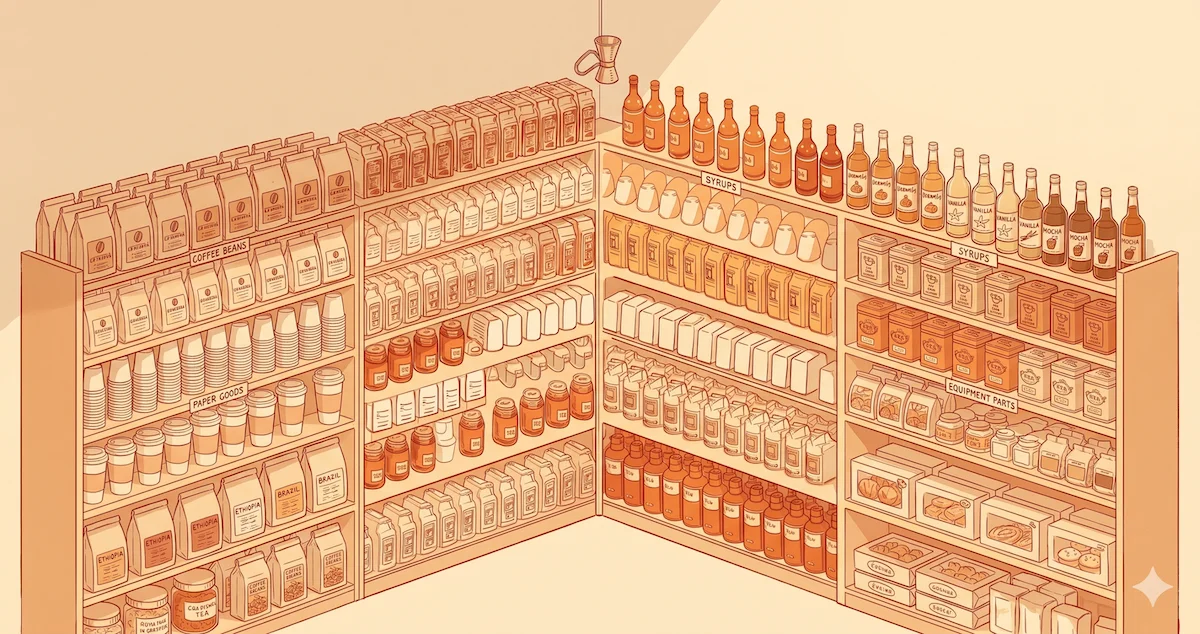
The area walk method is the most reliable approach for small teams. Assign specific sections of your storage to specific count zones — "bar," "walk-in," "dry storage" — and count each zone in the same order every time. Top shelf to bottom, left to right. This eliminates the "did I already count that?" confusion that ruins half the counts I've seen in manual systems.
Timing matters more than most people realize. Count before opening or after close — never during service. Stuff moves around during a rush, staff interrupt you, and you end up with numbers that don't reflect a stable snapshot. Training one or two team members to count their assigned areas means you can split zones and finish in 15 minutes instead of 45.
One practical tip: use the same unit every single time. If you count oat milk by the carton, always count by the carton — not sometimes cartons, sometimes cases. Unit inconsistency is the most common source of ordering errors in manual systems.
How do you set par levels?
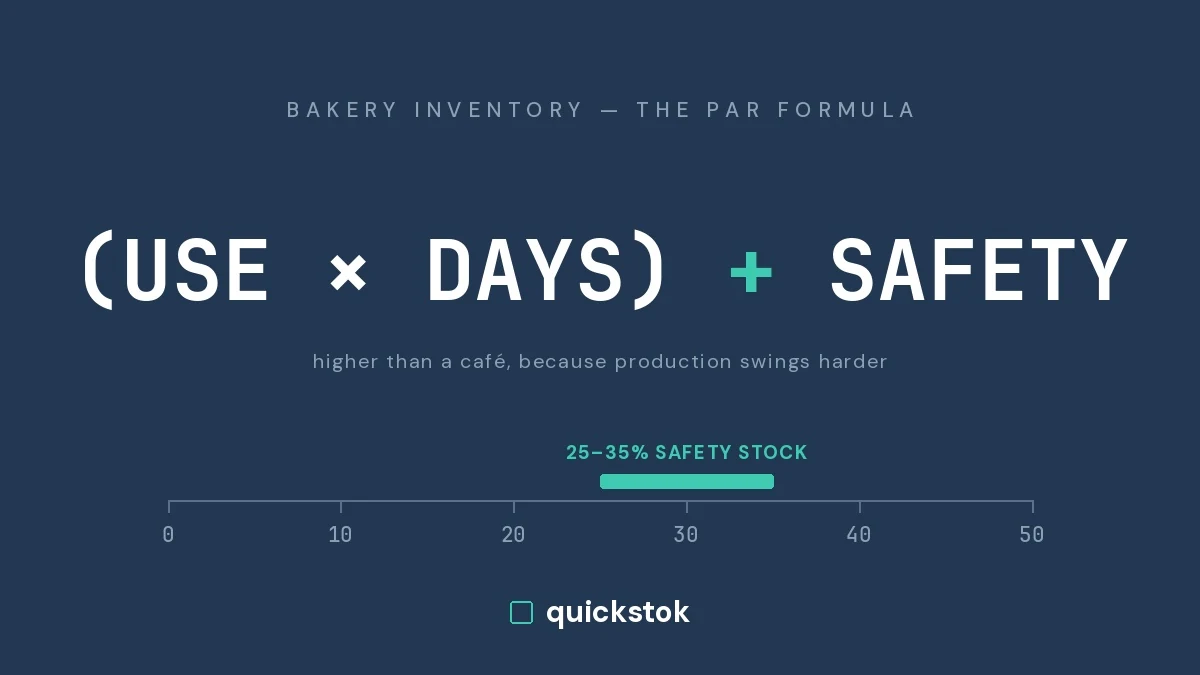
A par level is the minimum quantity of an item you want on hand at all times. When your count drops below par, you order more. It's the core mechanism that turns counting from a passive observation into an active system.
The formula:
Par level = (average daily usage × days between deliveries) + safety stock
Run it without the arithmetic with the free par level calculator.
Safety stock is a buffer — typically 20–30% of expected demand — to account for unexpected spikes, supplier delays, or a slow count.
Here's a real example with oat milk:
- You use 6 cartons per day on average
- Your supplier delivers every 3 days
- You apply a 25% safety buffer (oat milk demand is volatile — weekends are unpredictable)
Par level = 6 × 3 × 1.25 = 23 cartons
When your count drops below 23, you order enough to get back up to that level.
Safety stock should be higher (30%+) for high-variability items — seasonal specials, anything that spikes on weekends — and lower (15–20%) for stable items like sugar or lids. The goal isn't to carry maximum safety stock everywhere. That's how you end up with $400 of cup sleeves and no operating cash.
For a deeper look at setting pars across different item types — including how to adjust for seasonality — see What Is a Par Level? A Simple Guide for Café Owners.
How do you build a reorder system?
Counting without a reorder trigger is just data collection. The point is to connect the count to the order automatically.
The count-then-order workflow:
- Count your tracked items
- Compare each count to its par level
- Order enough to bring each item back up to par
- Group your order by supplier before sending
This sounds simple because it is. The discipline is making it a consistent habit — same day and time each week, same process every time.
The thing most café owners miss is lead time. If your dairy supplier delivers two days after you place the order, you need to order two days before you'd hit par, not when you're already below it. If oat milk par is 23 cartons and you have 6 left and a two-day lead time, you're not ordering ahead — you're scrambling through Sunday with no milk.
Build the lead time offset into your par calculation, or set a visual trigger: "when I see fewer than X cartons, that's my order signal."
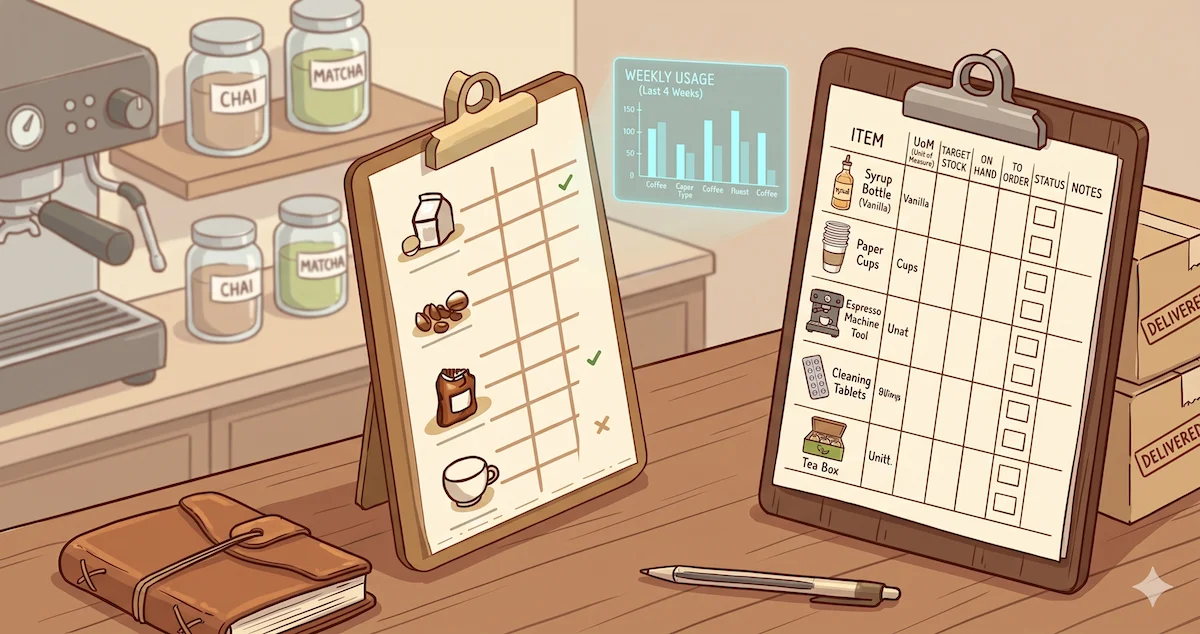
A well-built café inventory count sheet includes par levels, current count, and a calculated order quantity column — so whoever is doing the count can also generate the order without needing to be the owner. Or build one now with the free count sheet builder, no signup required.
Spreadsheets or dedicated software?
The honest answer: it depends on your complexity.
Spreadsheets work well when:
- You're tracking fewer than 30 items
- You have one or two suppliers
- You're the only person who orders
- Your menu is stable year-round
A well-built Google Sheet with par levels, count inputs, and an auto-calculated order column is genuinely effective at this scale. It's free and you own it completely.
Spreadsheets break down when:
- You're tracking 50+ items across three or more suppliers
- Multiple staff count different zones and you need to consolidate
- Seasonal menus require updating pars every quarter
- Supplier prices change without notice and you need to catch it
- You want to track actual waste against POS sales
At that point, you spend more time maintaining the spreadsheet than the spreadsheet saves you. For a detailed breakdown of where the inflection point is, see Café Inventory Spreadsheets vs. AI Tools.
What AI-powered tools add beyond spreadsheets:
- Automatic par level calculation from actual usage history — no manual formula updates
- Receipt scanning so price changes are detected without data entry
- Order generation already grouped by supplier
- Staff counting with zone assignments and individual PINs
The question isn't whether software is better in theory — it is. The question is whether the time savings justify the cost at your volume. For most cafés doing 150+ drinks a day with more than two suppliers, the math works at around $30–50/month. (Enterprise platforms like MarketMan run $199–249/month and are built for restaurant groups — here's an honest comparison of when they're worth it and when they're oversized.)
One tool to avoid relying on: your POS inventory module. Toast and Square both have inventory features, but they track theoretical depletion (sales × recipe = used), not physical counts. The gap between theoretical and actual usage is exactly where waste hides — and your POS won't surface it. For more on this, see Why Your POS Inventory Module Isn't Enough.
How do you reduce waste and over-ordering?
Waste isn't just spoilage. It's the "just in case" case of cups you ordered three months ago that's still sitting in back. It's the oat milk you over-ordered before a long weekend and had to dump on Monday.
Track waste as a separate data point. Every time you throw something away, log it: item, quantity, reason (expired, damaged, over-prepped, wrong size received). After four to six weeks, patterns emerge. The same item shows up repeatedly. You trace it to a delivery size that doesn't match your actual volume, or a prep habit that consistently over-produces. To put a number on it, use the free waste cost calculator.
The "just in case" trap is expensive. Holding extra inventory costs money — not just in spoilage risk, but in cash tied up and storage space consumed. One or two strategic stockouts per month costs less than perpetually over-ordering 10–15% to avoid them. The math is usually that simple.
For milk specifically: most cafés run a 15–20% waste rate without realizing it. Steamed milk that doesn't make it into a cup, open cartons of oat milk that expire before you work through them, spoilage from over-ordering ahead of a slow week. Measuring your actual milk waste with a simple bucket test is one of the highest-ROI things you can do in a single afternoon. The number is almost always higher than the owner expects.
For a systematic approach to cutting both waste and over-ordering at the same time, see How to Reduce Waste and Over-Ordering in Your Café.
When should you upgrade from manual to digital?
Most café owners I talk to are still running a notepad or a basic spreadsheet — and for many of them, that's genuinely the right call at their current volume. Manual systems break predictably, though, and there are clear signals:
Signs it's time to upgrade:
- Counts take more than 2 hours and you still aren't confident in the numbers
- You've had 3+ stockouts in a single month
- You can't quickly answer: "Is this menu item actually profitable at today's ingredient prices?"
- Supplier prices have changed and you didn't notice for two or three weeks
What to look for in a dedicated tool:
- Receipt scanning that parses supplier invoices automatically (not manual price entry — that defeats the purpose)
- Par level automation based on actual usage history, not manual formulas
- Orders that are pre-grouped by supplier, ready to send
- Staff counting with zone assignments and PIN access — no full account access required
- Pricing proportional to café scale ($200+/month tools built for full-service restaurants aren't built for your situation)
Getting started today
If this feels like a lot, good news: you don't need to build the whole system at once. Here's the minimum viable version:
Step 1. List your top 20 items by monthly spend. If you're not sure, look at your last two supplier invoices and sort by line-item total.
Step 2. Count those 20 items once this week. Write the numbers down anywhere — a notepad, your phone, a Google Sheet. You're establishing a baseline, not building a system yet.
Step 3. Set a par level for your top 5 items using the formula above. Pick the 5 things that would hurt most to run out of — espresso beans, your most-used milk type, cups for your most popular drink size.
Step 4. This week, place your order based on count vs. par instead of gut feel. Just for those 5 items.
Step 5. After 2–3 weeks of data, review the pars. Did you run out of anything? Did anything accumulate more than expected? Adjust by 10–15% and repeat.
That's inventory management at its core — count, compare, order, adjust. Everything else (automation, AI, staff counting, waste tracking) is built on top of this same loop.
If you'd rather skip the spreadsheet phase entirely and start with a system that handles the calculations automatically, QuickStok was built specifically for independent cafés — receipt scanning, automated par levels, staff counting with PIN access, and supplier-grouped ordering. Free to try, no contract required.
But even if you never use any software, the five steps above will save you money this week.