A coffee shop inventory spreadsheet tracks every item you stock — from oat milk and espresso beans to cups and lids — with columns for current count, par level, and reorder quantity. Most independent cafés start with a Google Sheet, and it works until you're managing 50+ items across multiple suppliers with different delivery schedules. Below is a free count sheet template built specifically for cafés, plus a walkthrough on how to actually use it without spending your entire Sunday counting.
Prefer to skip the spreadsheet? Build one in seconds with our free inventory count sheet builder — pick your categories, then print or download CSV. No signup.
Less than 4 hours from opening, we were already out of oat milk.
Not low — out. And our next scheduled delivery wasn't until the following morning. Meanwhile customers were walking in non-stop, and more than 25% of our orders contain oat milk.
I pulled up our inventory spreadsheet. We did everything right, inventory was counted on a weekly basis. I ordered based on my best estimate from past experience and previous orders — which were also largely based on my best guess. Somewhere between last week's count and this Tuesday morning, we'd burned through everything and I hadn't caught it.
I had two options: mark 25% of our menu as out-of-stock and turn away disappointed customers, or place an urgent Instacart order and swallow the extra 30% service charge.
Like most café owners I know, I chose the latter.
If that sounds familiar, this post is for you.
What your count sheet needs to track
A lot of café count sheets I've seen are just lists of items with a blank column for numbers. That's a start, but it misses the context that makes counting useful.
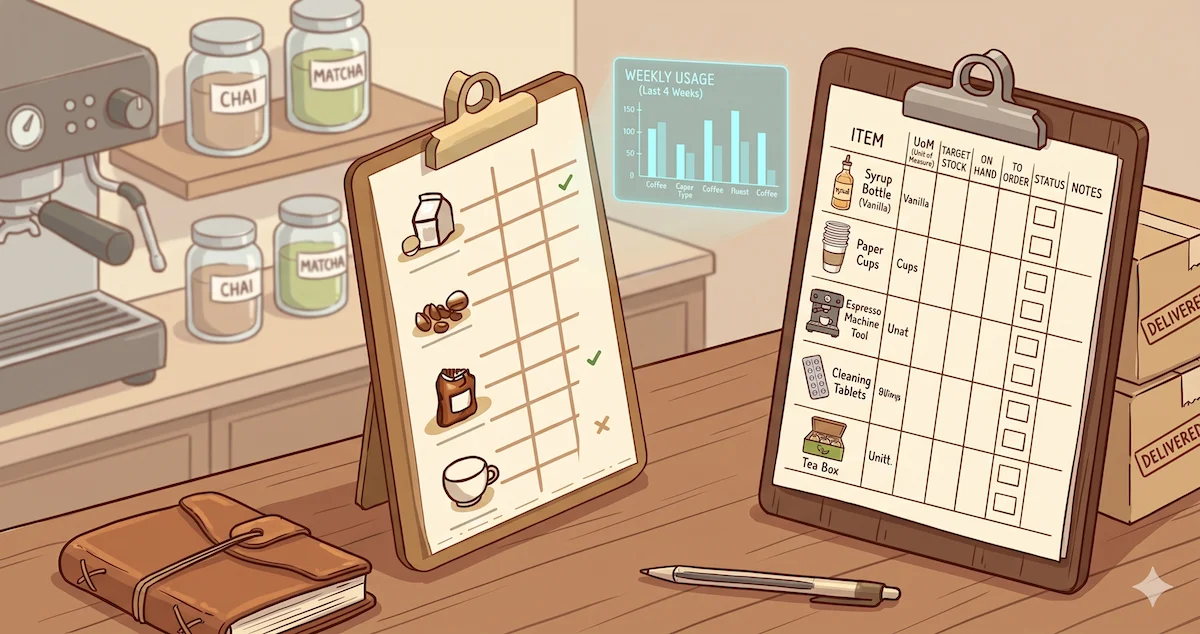
Here's what every row in your count sheet should capture:
Item name — specific enough to avoid confusion. "Milk" is not specific enough if you carry whole, oat, almond, and oat barista. Write "Oat Milk — Oatly Barista" and be done with it.
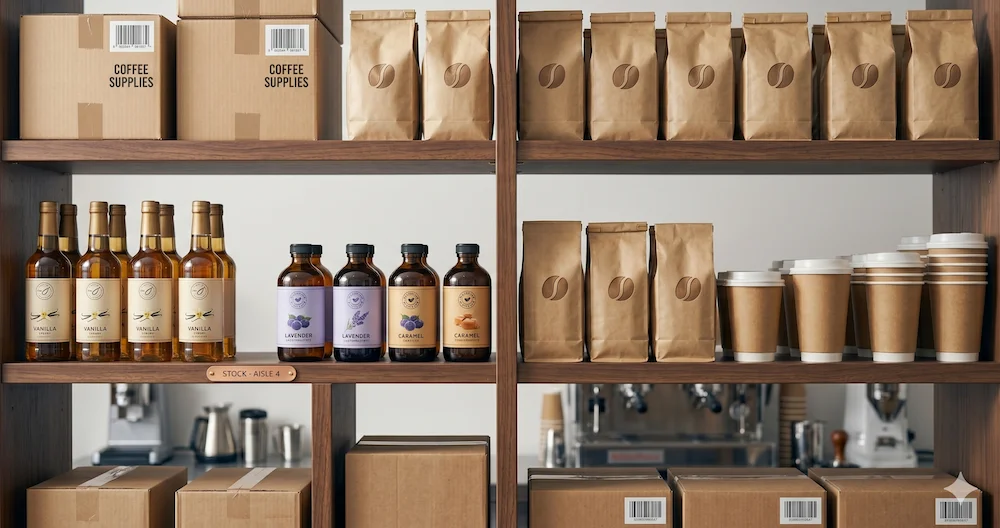
Category — group items by type so counting by zone is faster. At my coffee shop we use: Dairy, Coffee, Tea, Syrups, Dry Goods, Packaging, Cleaning, Produce, Frozen.
Unit — what unit are you counting in? Liters, cases, bags, pounds? This matters especially when your purchase unit differs from your count unit. A case of oat milk has 6 cartons. If you count cases but order cartons, you'll make math errors under pressure.
Par level — the minimum quantity you want on hand before placing an order. This is the most important column and the one most count sheets skip entirely. Without it, you're just recording numbers with no way to know what action to take.
Current count — what's actually on the shelf right now.
Variance — current count minus last count, adjusted for what was received. This tells you how fast you're burning through something and whether the numbers add up. Consistent negative variance that doesn't match sales is shrinkage.
Notes — anywhere for "expiring Friday", "one bag opened", "supplier changed pack size."
Download the free café inventory count sheet template
The template below is built specifically for cafés — not generic restaurant inventory sheets retrofitted for coffee. It has the categories, units, and structure we use at my coffee shop.
Download: Café Inventory Count Sheet (CSV) →
It opens in Google Sheets, Excel, or Numbers. Customize the par levels and items for your shop.
What's included:
- 9 category sections (Dairy, Coffee, Tea, Syrups, Dry Goods, Packaging, Cleaning, Produce, Frozen)
- 50 pre-labeled rows covering the most common café inventory items
- Par level column with example values based on a 3-day lead time
- Variance formula pre-built (no manual math)
No email required. Just download and use it.
How to run a count in under 10 minutes
The template is only useful if counting is fast enough that your team actually does it. Here's the system we use at my coffee shop.
Count before deliveries arrive, not after.
This is the single most important rule. If you count after a delivery, you're recording your maximum stock level, not your real burn rate. Count the day before or the morning of a delivery. That's when the number is most meaningful — you can see exactly what you've gone through since the last count, and you'll know immediately if something burned faster than expected.
Assign zones, not a single counter.
Don't have one person walk the entire café. Assign zones: one person does the fridge and cold storage, another does dry storage, another does the bar (syrups, cups, lids). Three people can complete a count in 8 minutes if they're not tripping over each other.
Count to the template, not to memory.
Have the printed sheet or a phone with the spreadsheet open. Don't try to remember what you counted and fill it in later. The count is only as good as the moment it was recorded.
Do it at the same time every time.
At my coffee shop we count every Monday and Thursday morning before open. The consistency matters more than the frequency. Twice a week is ideal for a busy café. Once a week is the minimum for the data to be useful.
Review variance immediately after counting.
Don't just file the sheet. Look at the variance column before you leave. Anything flagged red (below par) goes on the order list right then — not later, not Thursday.
What to do with the data after counting
A count sheet that doesn't lead to action is just paperwork.
Build your order list from variance, not from memory.
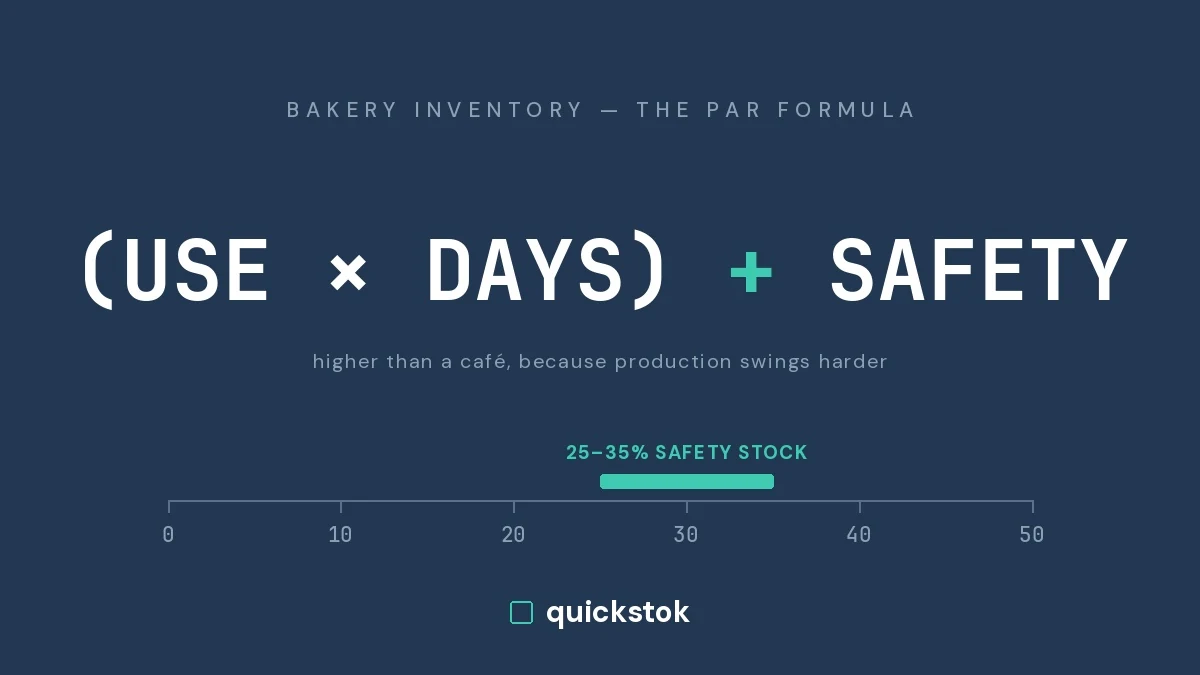
Every item that's below par goes on your order list. The formula: order quantity = (par level × lead time in days) − current count. If your oat milk par is 12 cartons and lead time is 3 days, and you currently have 4, you order 8. No guessing.
Track variance over time to find your real usage rate.
After a month of consistent counting, look at which items consistently burn fastest. Those are your high-velocity items — they need higher par levels, more frequent ordering, or both. At my coffee shop, oat milk burns 40% faster on weekends than weekdays. We didn't know that until we started counting consistently. Now we account for it every week.
Use variance to catch problems early.
If your whole milk variance is higher than expected, someone is over-pouring. If your cup count doesn't match drink sales, cups are walking out the door. The count sheet is also your shrinkage detector.
When a spreadsheet stops being enough
The template works well up to about 40–50 items and one or two suppliers. Beyond that, the cracks start to show.
Signs you've outgrown the spreadsheet:
- You have 3+ suppliers with different lead times and minimum orders
- Staff are filling in counts inconsistently
- You're spending more than 20 minutes per count session
- You're still ordering based on gut feel despite having a sheet
- You've run out of something that was on the count sheet
Instead of counting on messy spreadsheets, your staff submits counts from their phones in minutes and your inventory picture updates in real time. Instead of guessing what to order, you're given recommendations on exactly what to order and how much — based on your real usage rate, your supplier lead times, and what's already coming in. Instead of manually tracking invoices and doing math to figure out what a drink actually costs you, every supplier invoice gets scanned automatically and your ingredient costs always stay current.
That's what QuickStok does — and it takes about 30 minutes to set up, and it's free.
Start here
Download the template and start counting twice this week. Just twice. Use the variance column. See what surprises you.
Download the free Café Inventory Count Sheet →
And if you want to see what happens when that spreadsheet connects to your supplier receipts and generates your order sheet automatically — QuickStok is free to try, no credit card required.
A count sheet is only useful if your team actually fills it in — learn how to build a staff counting system they'll follow.
Heng Qiu is the founder of QuickStok and owner of a specialty espresso bar in San Francisco. He built QuickStok after one too many Tuesday morning Instacart runs.