Staff inventory counting is when café team members — not just the owner — systematically count stock in assigned areas on a regular schedule using a standardized process. It typically cuts counting time by 60–70% compared to a single owner doing everything, while catching discrepancies faster because each person knows their area.
Most café owners I know do all the inventory counting themselves. I used to be one of them. You tell yourself it's because you want it done right, or because you "just know" the stock levels by looking at the fridge.
But let's be honest: the real reason is usually that you don't trust your staff to do it. And that is the wrong problem to solve.
The goal isn't for you to be the best counter in the world. The goal is to build a system so simple that any barista on your team can count a section in 15 minutes without making a mistake. When you own the system instead of the task, you stop being the bottleneck and start actually managing your profit.
Why staff should count (not just the owner)
Owners who count everything themselves create a single point of failure. When you're sick, on vacation, or just slammed with a rush on a Friday morning, the counts don't happen. No counts mean no data, and no data means you're back to ordering by "gut feeling."
Beyond your own sanity, your baristas are actually better positioned to catch issues than you are. The barista working the bar knows the oat milk is running low before the spreadsheet does. When staff are responsible for their areas, they take ownership of the stock. They notice the weird price hike on the latest bean delivery or the fact that the Tuesday pastry order was three croissants short.
At my store, we have 7 staff members counting across 2 storage areas. Tuesday counts went from 45 minutes of my time to 15 minutes of theirs — and the data is actually more accurate because each person only focuses on the items they work with every day.
The 3 things that make staff counting fail
Before you hand over a clipboard to your team, you need to understand why most manual systems fall apart. Usually, it's one of these three friction points:
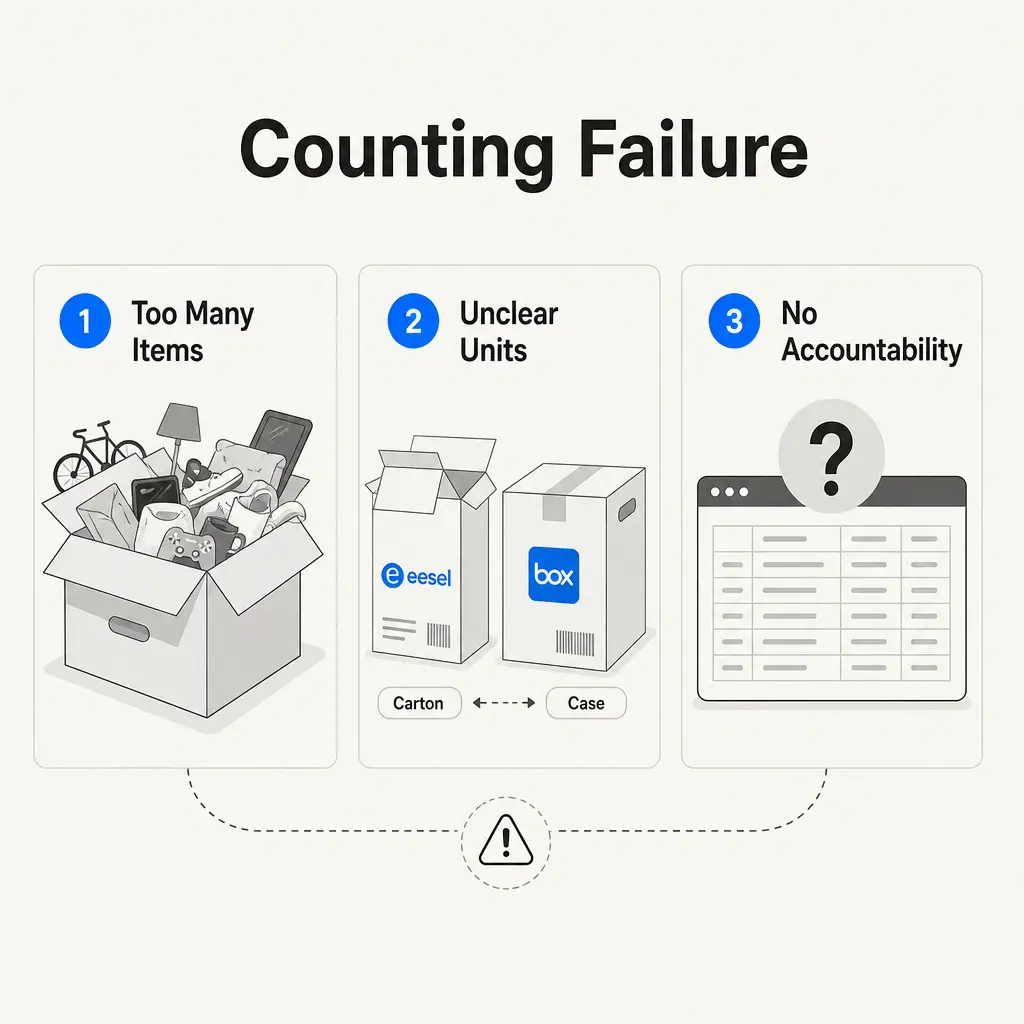
- Too many items at once: Handing a staff member a list of 150 items and asking them to "count the store" is a recipe for burnout. They'll start guessing halfway through.
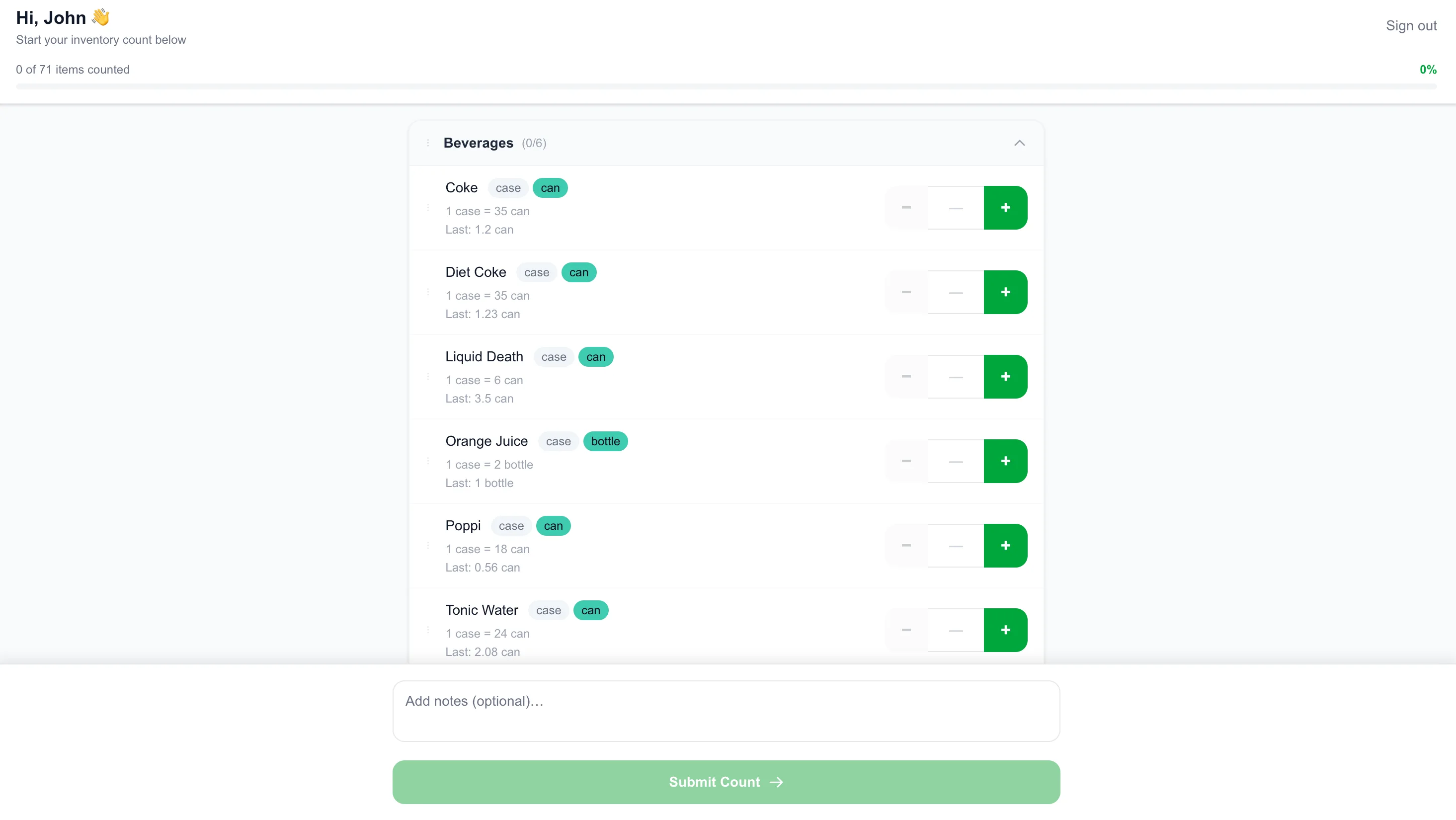
- Unclear units: Is "1" a case of 12 cartons or a single 32oz carton? If the count sheet doesn't specify the unit next to the name, your data is useless.
- No accountability: If staff feel like their counts just disappear into a folder and are never reviewed, they stop caring. Accountability starts with a 30-second review of their submission.
How to set up a staff counting system that works
To build a system that sticks, you need to remove as much friction as possible. Here is the framework I use for independent cafés.
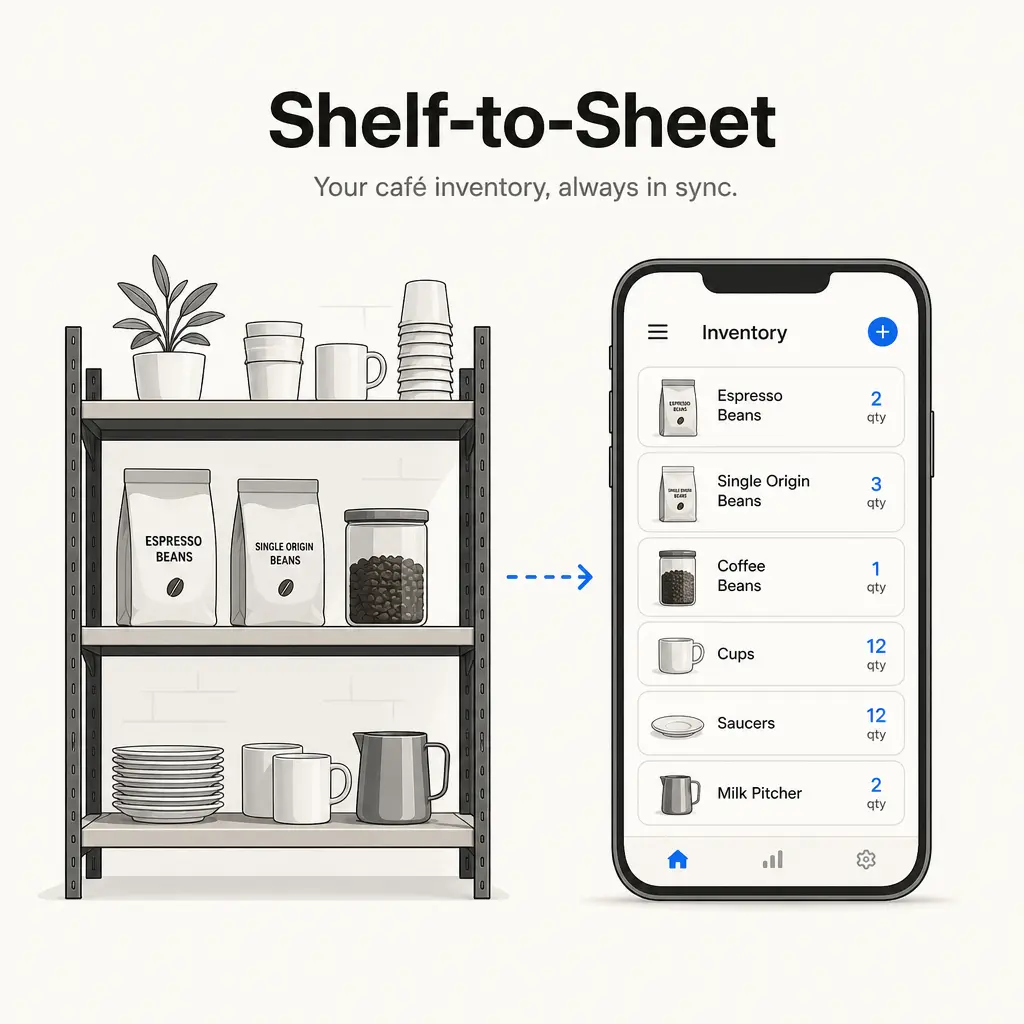
Assign areas, not the whole store
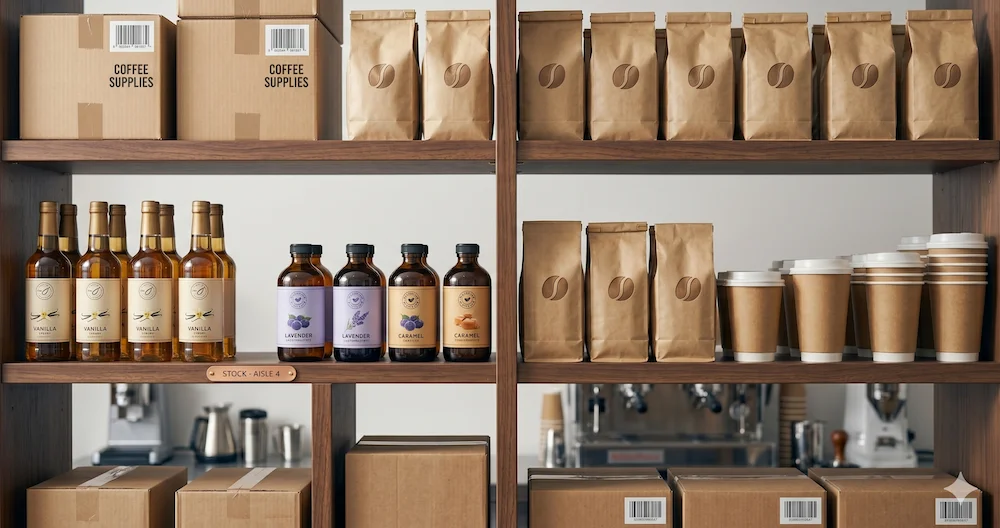
One person counts the bar. Another counts dry storage. Another counts the walk-in. By assigning specific areas, you turn a 45-minute chore into a 15-minute task. It's much harder to make a mistake when you're only looking at 20 items at a time.
Set count schedules by category
Not everything needs counting every day. We categorize items by turnover:
- Perishables (Milk, Pastries): Daily or weekly.
- Dry Goods (Cups, Lids, Sugar): Monthly or bi-weekly.
- High-Value (Coffee Beans): Weekly, without fail.
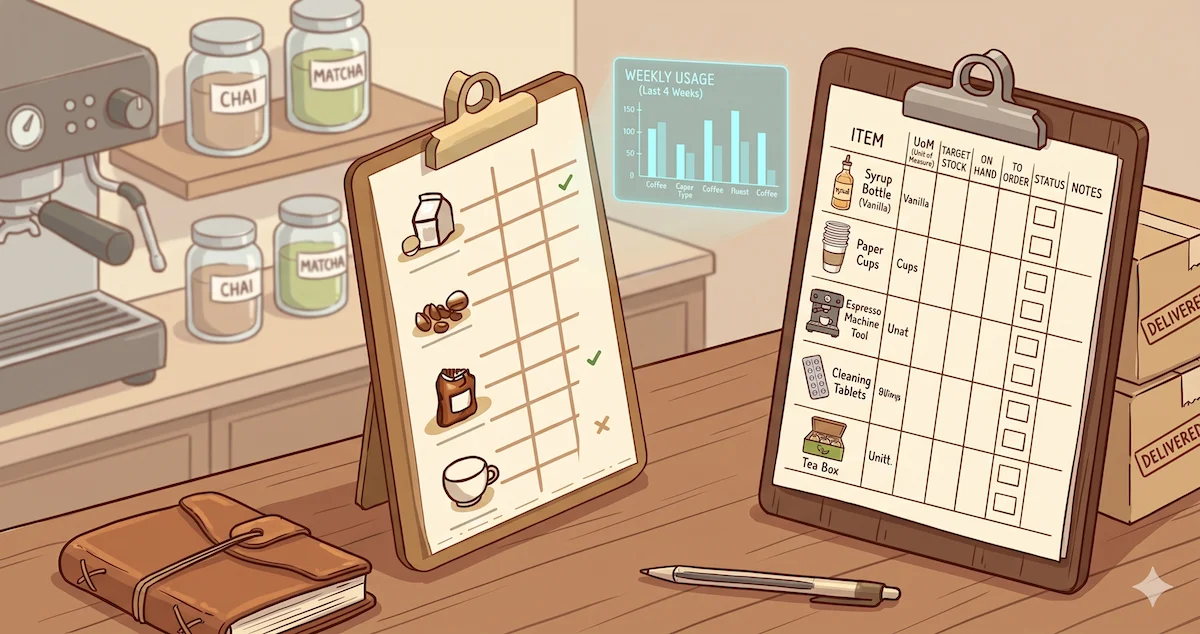
Use phones, not clipboards
Your staff already have their phones in their pockets. A browser-based counting form is faster, more accurate, and doesn't require printing or hunting for a pen. No app download is necessary — just a simple link they can pull up in seconds.
Define units clearly
This is the single biggest fix for inventory accuracy. If you count oat milk by the carton, put "(carton)" right next to the item name on the sheet. This eliminates 80% of the "wait, did they mean cases?" confusion that plagues manual spreadsheets.
Review counts, don't just collect them
You don't need to re-count everything. Just glance at the numbers. If a barista says you have 47 gallons of oat milk in a shop that usually holds 10, that's an immediate red flag you can catch in seconds. This small step proves to the team that their work matters.
What a good counting workflow looks like
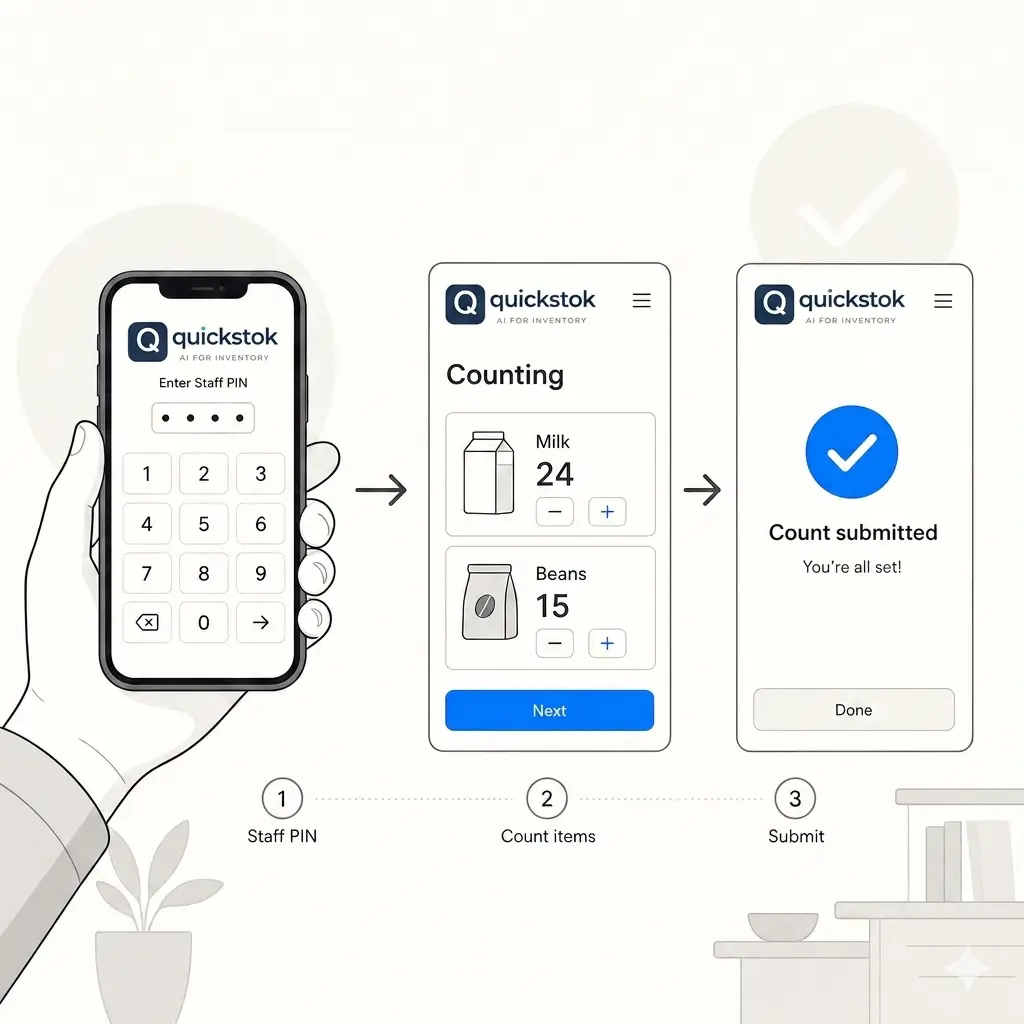
Imagine a typical Tuesday morning count at your shop. A staff member arrives for their shift, opens the counting link on their phone, and enters their unique 4-digit PIN.
They don't see a giant list of every SKU you've ever bought. They only see their assigned area — let's say, "Bar - 23 items." They walk the shelf, enter the numbers for the espresso beans, oat milk, and syrups, and hit submit. You get a notification, give it a quick 10-second glance, and you're done. Total time taken: 15 minutes.
Common mistakes to avoid
- Counting everything every day: This leads to "counting fatigue." Reserve daily counts for your most sensitive items and do the rest weekly.
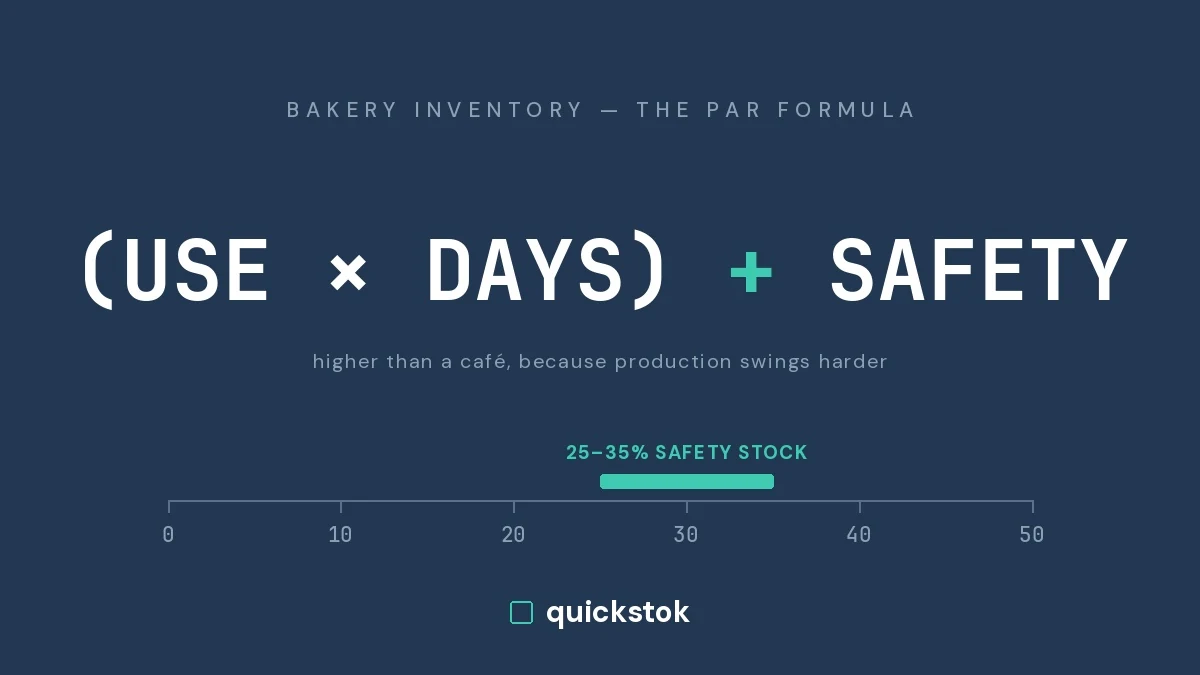
- Not setting par levels first: Counting without context is just busywork. You need to know your par levels so the count actually triggers an action (like an order).
- Friction in the interface: Making staff use a shared tablet with a complex login will kill compliance. Keep it phone-based and PIN-protected.
QuickStok for café staff counting
QuickStok was built to handle exactly this kind of workflow for independent cafés. Our staff counting tool uses unique 4-digit PINs, so your team can submit counts on their own phones without needing full access to your financial data or settings.
It factors in your count sheet order, allows for area assignments, and sends automatic reminders to the team so you never miss a count again. Plus, it automatically generates your order sheets based on the data they submit.
It also handles the two biggest counting headaches automatically. Staff can enter counts in whatever unit they see on the shelf — bottles, cases, cartons — and QuickStok converts between them so your order sheet always shows the right numbers. And if a count looks off, the system flags it before you approve, so you only review the submissions that actually need attention.
Try QuickStok for free today and see how much time your team can save.
FAQ
How often should café staff count inventory?
For most independent shops, perishables like milk and pastries should be checked weekly, while dry goods like cups and lids can be handled bi-weekly or monthly. High-value items like coffee beans should stay on a weekly cycle regardless of category.
What's the best way to train staff on inventory counting?
Don't focus on the software — focus on the process. Show them their assigned area, explain the units clearly (case vs. carton), and do one count together. If the tool is simple enough, training takes 5 minutes.
Should I count everything at once or split it up?
Always split by area and category. Full-store counts in one sitting lead to fatigue and mistakes. Breaking it down into 15-minute area counts ensures staff actually complete them accurately.
How do I handle staff resistance to counting?
Make it as frictionless as possible. Use a phone-based system with simple PIN logins so they don't have to hunt for usernames or clipboards. When the system is easy, compliance follows.
Can I automate ordering once I have consistent counts?
Yes. Once you have consistent counts and set your par levels, tools like QuickStok can automatically generate order sheets based on actual usage data — no manual calculation needed.