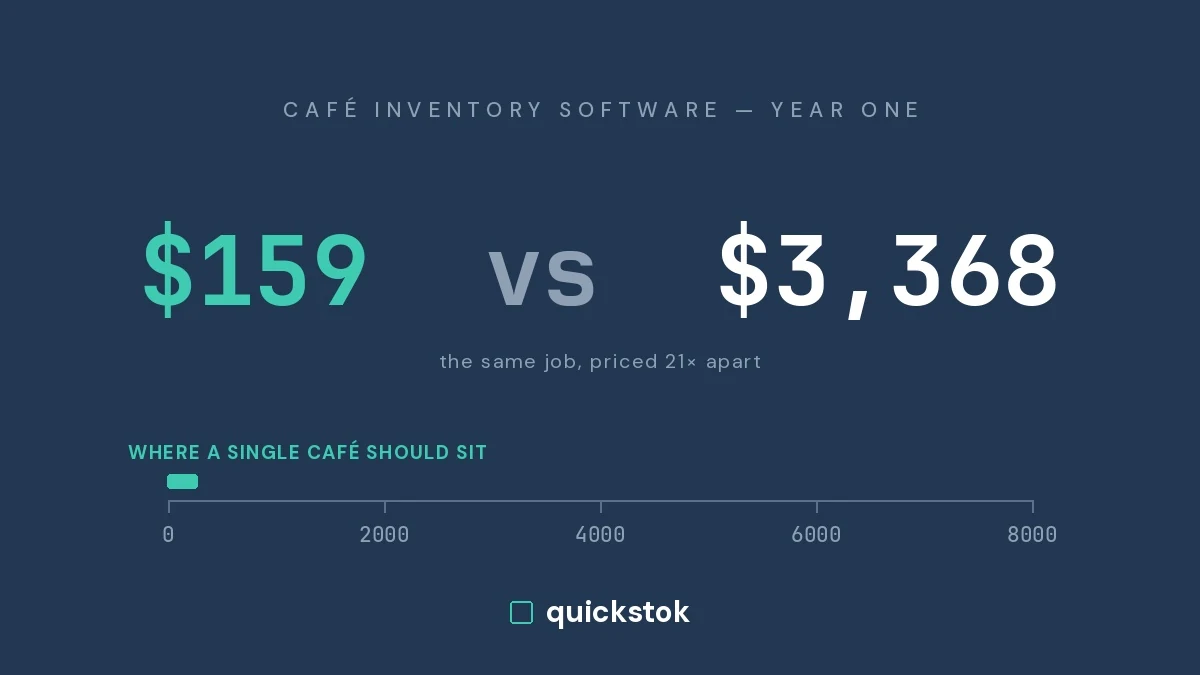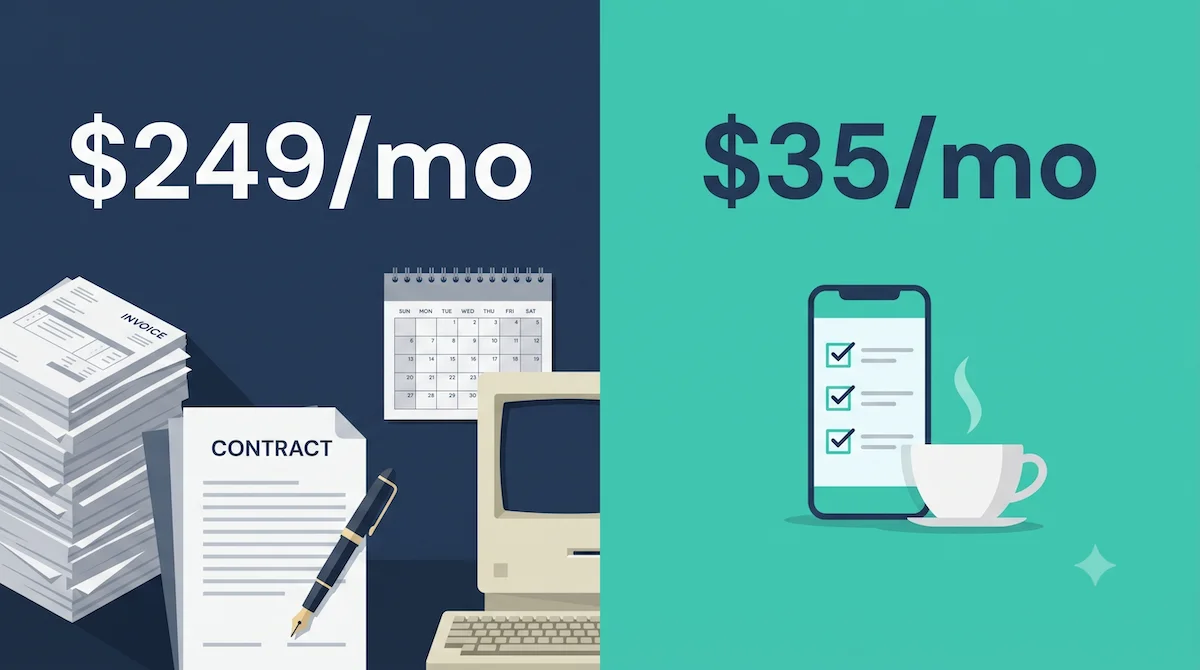
If you run a single-location café, MarketMan will cost you roughly $2,900–4,500 in year one — $199–249/month, a setup fee on monthly plans, and a 12-month minimum contract. That's a fair price for a restaurant group and a hard-to-justify one for an independent coffee shop doing counts on one shelf of milk and three bags of beans. I run a coffee shop in San Francisco, I evaluated MarketMan before building my own inventory system, and this post lays out exactly when MarketMan is worth it, when it isn't, and what to use instead.
What does MarketMan actually cost in 2026?
MarketMan's published plans start at $199/month (Starter) and $249/month (Growth), with Enterprise pricing by custom quote. Reviewers and pricing trackers also report a one-time setup fee on monthly plans and a 12-month minimum commitment. Two costs don't show up on the pricing page:
The invoice scan cap. Starter includes 50 invoice scans per month. A busy café receiving deliveries from 4–6 suppliers can clear that cap, which pushes you toward Growth at $249/month.
Implementation time. Users consistently report that full setup — menu entry, recipe costing, vendor data — takes weeks to months. For a restaurant group with an ops manager, that's a project. For a solo café owner, that's evenings and weekends for a quarter.
For a single-location café, MarketMan's realistic first-year cost is $2,900–4,500 plus a multi-week implementation — before it saves you anything.
What is MarketMan actually good at?
An honest comparison has to start here, because MarketMan is a genuinely strong product for its intended customer:
- Multi-location operations. Real-time COGS across locations, location-group price editing, consolidated reporting. If you run three or more units, this is where the money goes and it's money well spent.
- Deep recipe costing. Ingredient-level plate costing that updates when supplier prices change. Full-service restaurants with 60-item menus get enormous value here.
- Vendor payments and EDI. Paying suppliers by ACH inside the platform, direct integrations with broadline distributors.
- Onboarding support. Dedicated success managers and guided training — consistently praised in reviews.
If you're a restaurant group, a full-service kitchen with complex recipes, or an operation processing hundreds of invoices a month, MarketMan is a legitimate choice and probably pays for itself.
Why do small cafés outgrow MarketMan before they grow into it?
A café's inventory problem is structurally different from a restaurant's, and most of MarketMan's feature weight sits on the restaurant side of that line:
Cafés have a short, fast catalog. My shop tracks 78 items. A full-service restaurant tracks 400+. At 78 items, the bottleneck isn't reporting sophistication — it's whether counting is fast enough that your staff actually does it every week.
Café demand is lumpy. When I analyzed my own data, roughly half of my catalog had demand too erratic to forecast meaningfully — seasonal syrups, backup supplies, slow movers. Those items don't need predictive analytics; they need a simple par level. (If par levels are new to you, here's a plain-English guide.) The sophisticated forecasting you're paying $249/month for only ever applies to the smooth half of your shelf.
Cafés don't have an ops manager. Every hour of implementation and training comes out of the owner's week. A system that takes months to set up has a real chance of never being fully set up at all.
The result: small operators pay restaurant-group prices for restaurant-group features, and the features they actually need — fast counts, receipt capture, simple reorder timing — are the ones any lighter tool also covers.
What should a single-location café use instead?
Your realistic options, from cheapest to heaviest:
1. A spreadsheet (free). Genuinely fine at the very beginning. It fails at the same point for everyone: the week you get too busy to maintain it, which is exactly the week you needed it. I wrote up the full spreadsheet-vs-software tradeoff separately.
2. Your POS's built-in inventory (free–$50/mo). Square and Toast both offer basic stock tracking. The catch is that POS inventory only sees what you sell, not what you use — it can't reconcile a delivery, track waste, or handle items that never hit the register (cleaning supplies, cups, gloves). Here's why cafés outgrow POS inventory.
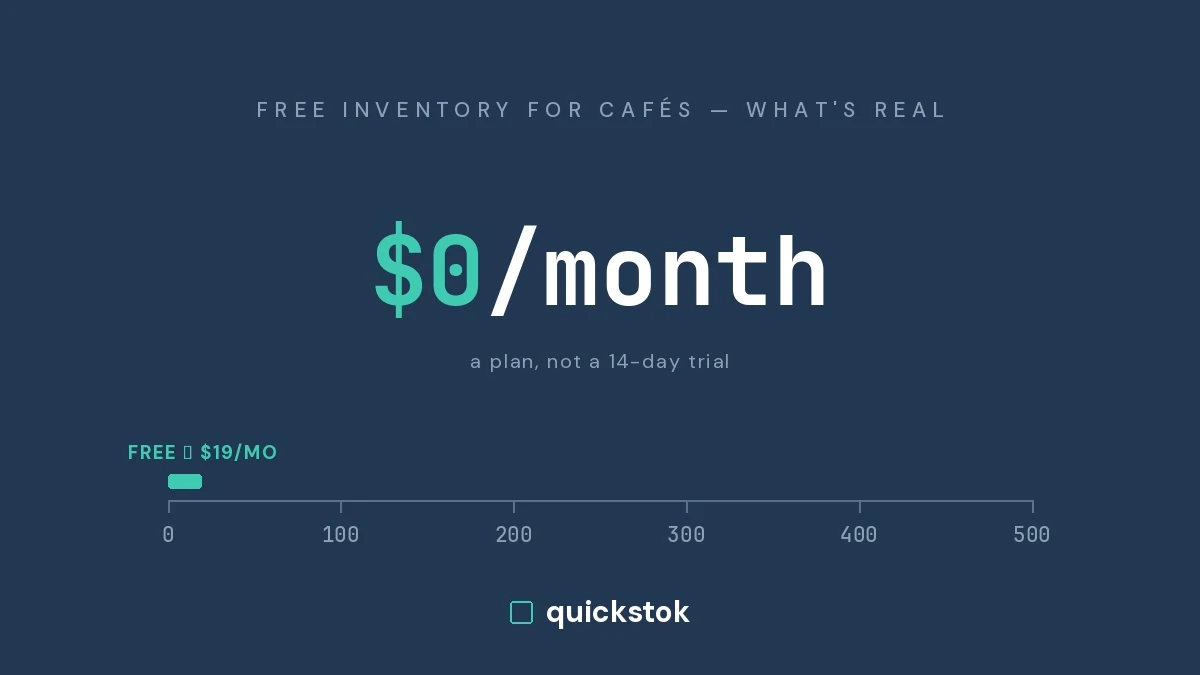
3. A café-focused inventory tool ($30–80/mo). This is the category I ended up building in, so discount my bias accordingly. QuickStok has a free plan, and Pro is $19/month flat — no setup fee, no contract, no invoice scan caps on Pro. It does phone-based counts (my staff finishes in about 10 minutes), AI receipt extraction from a photo or forwarded email, and order suggestions that are honest about confidence: items with enough delivery history get usage-based timing, and everything else stays on a simple par level instead of pretending to forecast the unforecastable.
4. MarketMan ($199–249/mo + setup). The right answer once you're running deep recipe costing or processing invoice volume that needs EDI and vendor payments.
The decision rule I'd give another café owner: match the tool to your invoice volume and operational complexity, not to your ambition.
MarketMan vs QuickStok: side by side
Where MarketMan clearly wins: recipe costing depth, vendor payments, breadth of POS integrations. Where QuickStok wins: price, zero contract, setup speed, and being designed around how a small café actually operates — because it runs my own shop every day.
What about contracts and cancellation?
One pattern worth knowing before you sign anything: reviewers on G2 and Capterra describe MarketMan's 12-month commitment and 60-day cancellation notice as a source of real frustration when they tried to leave. That's not unusual for enterprise SaaS, but it changes the risk calculus for a small business — a tool you're locked into for a year needs to be a much surer bet than one you can cancel next month. Whatever you choose, read the cancellation terms before the demo call, not after.
For small operators, contract flexibility is a feature: the cost of choosing wrong should be one month, not twelve.
The bottom line
MarketMan is a strong product priced and built for restaurant groups — if that's you, book the demo. If you're a single-location café, you're likely paying 6–7x more than you need to for features designed around problems you don't have. Start with the fundamentals (a weekly count rhythm and par levels — my complete café inventory guide covers both), pick a tool sized to your operation, and upgrade when your business actually demands it.
I built QuickStok because that middle option didn't exist when I needed it. It's free to start, $19/month for Pro, takes about 30 minutes to set up, and you can try it free — and if you email me, the founder answers, because the founder is also the guy doing Sunday counts at his own café.