People searching for a café nearby often see your Google profile before they ever see your website. Posts are the part of that profile you control week to week: what's new, what's in season, what's worth the walk.
Here are 30 ideas, grouped so you never stare at a blank post again.
Drinks (the reason most people come)
- This week's special — one drink, one photo, one line on what's in it.
- The drink regulars order most — "Our most-ordered drink, and why."
- A seasonal drink's first day — "Back today."
- Oat, almond, soy? — show the milk options side by side.
- The cold-weather pick and the hot-day pick.
- Behind the bar — latte art being poured.
- A new bean or roaster — the bag, the cup, two words on the taste.
Food
- Fresh out of the oven — a tray, early morning light.
- The pairing — the drink and the pastry that go together.
- Lunch is here — your best sandwich, cut in half.
- Dietary options — vegan, gluten-free, clearly labelled.
- Last one of the day — the cake people ask about.
People
- Meet the barista — first name, favourite drink.
- The opener — who's there at 6:45.
- A thank-you to regulars — no faces needed, just the counter.
- A local supplier — the bakery or farm you buy from.
The shop
- Your best seat — the window spot, the corner table.
- Outdoor seating is open.
- Laptop-friendly hours (if you are).
- Dogs welcome (if they are).
- The view from the counter at a quiet moment.
Times and seasons
- Holiday hours — post them early, and update your hours on Google too.
- The first cold morning.
- Back to school / back to work.
- A local event nearby — "Walking to the market? We open at 7."
- Your anniversary — however many years.
Useful posts
- How to order ahead (if you take orders).
- Gift cards or beans to take home.
- Catering or bulk coffee for offices.
- Answer a question customers ask often — "Yes, we have decaf."
How to take a photo that works
- Use your real drinks and your real shop. Customers want to see what they'll get.
- Daylight beats flash. Shoot near a window.
- One subject per photo. One drink, one plate, one person.
- Shoot from where the customer stands — at the counter, at the table.
How often to post
Pick a rhythm you can keep — once a week is a good start. A steady profile with real photos beats a burst of posts followed by silence.
While you're on your profile
Check your reviews too. The free Google review check shows your rating beside the cafés near you, the reviews Google puts first, and writes a reply to any review you paste.
Pictures and posts, made from your own photos
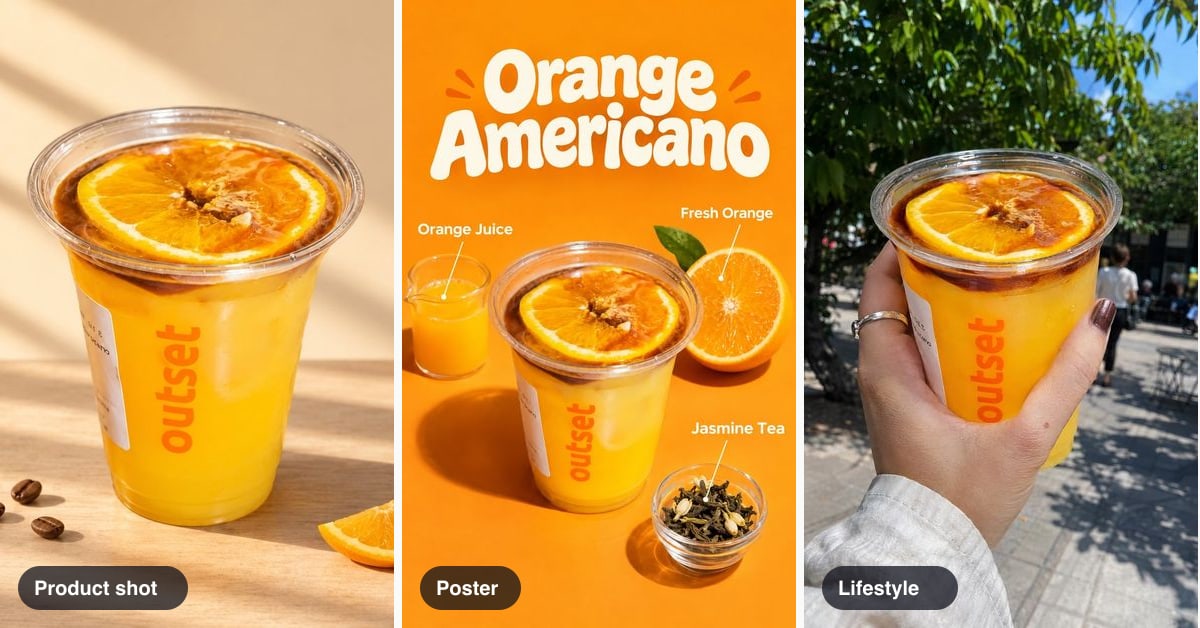
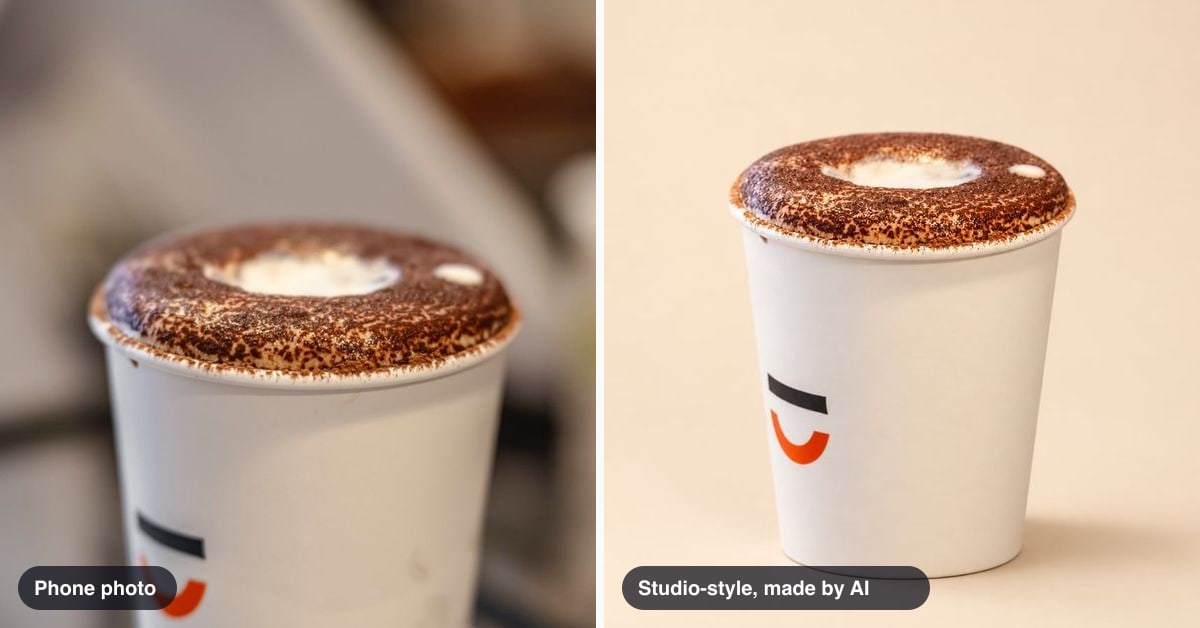
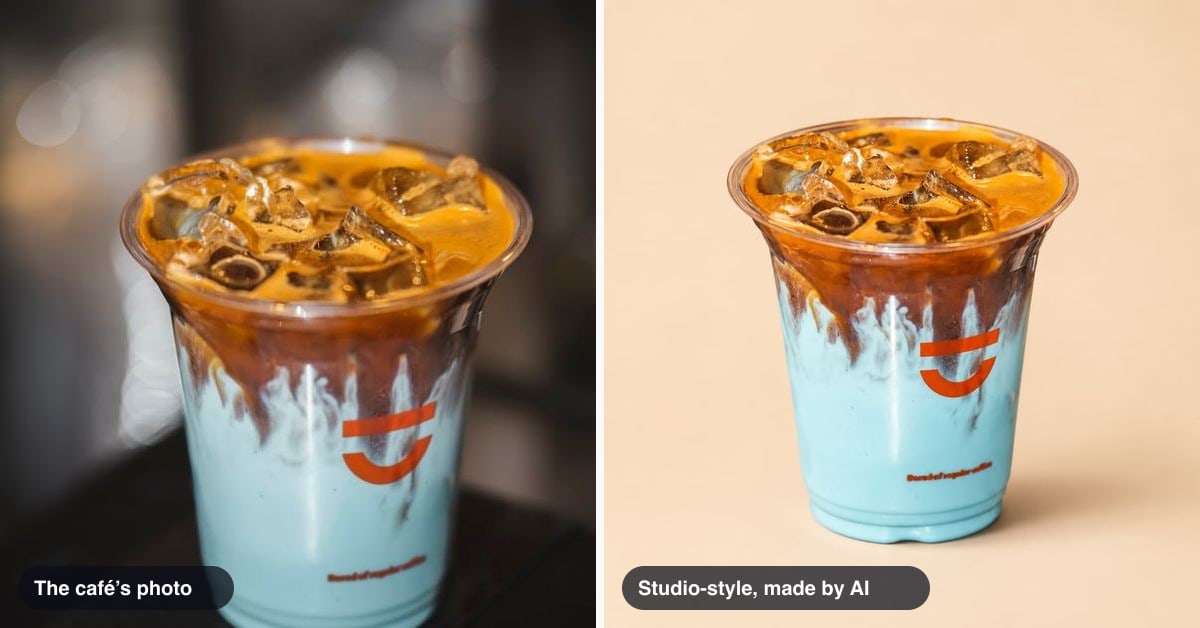
QuickStok's Content plan turns your own photos into pictures for your Google profile — product shots, posters and lifestyle looks — writes the post text from your menu, and posts to your Google Business Profile. You check every picture and every post before it goes out. Every new account can try 2 pictures free. Start free.