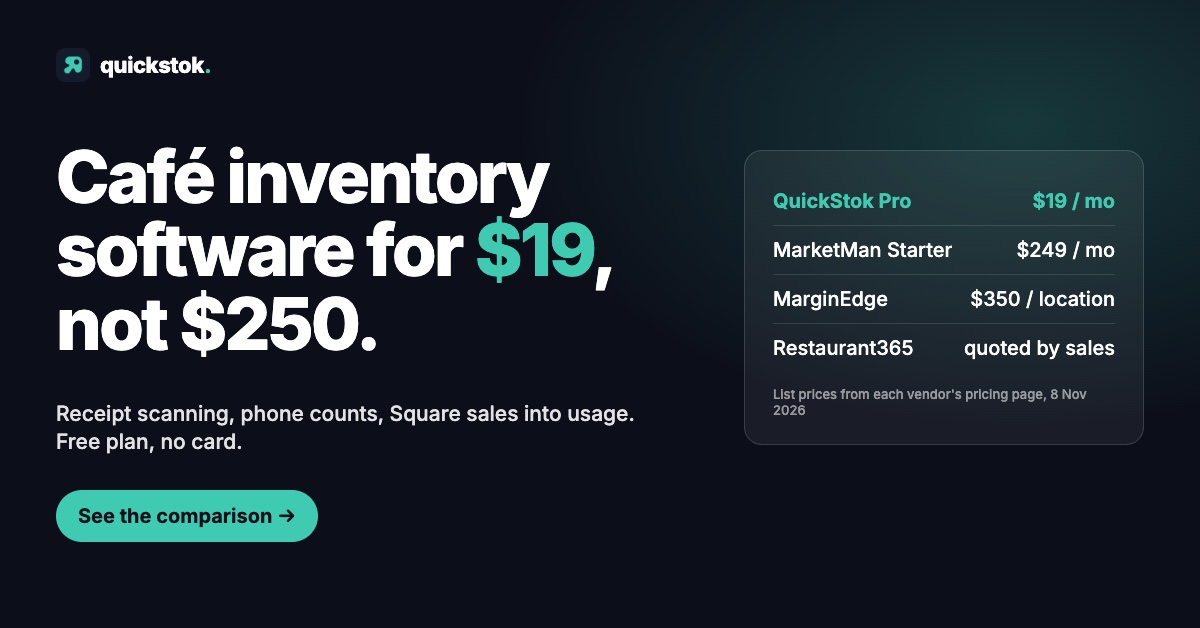
The best café inventory software in 2026 depends on whether you have a kitchen and a bookkeeper. If you do not, you want a tool that reads your supplier invoices and turns POS sales into ingredient usage without charging a restaurant-group price: that is QuickStok (free, or $19 a month for Pro), with Square's or Toast's built-in counts as the $0 fallback for retail units. If you do, MarginEdge ($350 per location per month) and xtraCHEF by Toast ($179 or $279 per location per month) push invoices into accounting; MarketMan (from $249 a month) and Restaurant365 (quoted through sales) are built for multi-unit groups. I run Outset Coffee in San Francisco and built QuickStok because the middle option did not exist, so read my row with that in mind. Every price below was verified from each vendor's own pricing page on 8 November 2026.
What should café inventory software actually do?
A café's inventory problem is narrower than a restaurant's, and most tools in this category were built for the restaurant. Four jobs matter at the counter:
- Counting on a phone, fast enough that staff actually do it. Weekly counts are the whole foundation; the café inventory management guide covers the rhythm.
- Reading supplier invoices. Price creep on milk and beans is where margin leaks. If nobody is typing invoices in, the software has to read them.
- Turning sales into usage. A 16 oz oat latte draws down milk, beans, a cup, a lid and a pump of syrup. Item-count inventory sees none of that; recipe-aware inventory does.
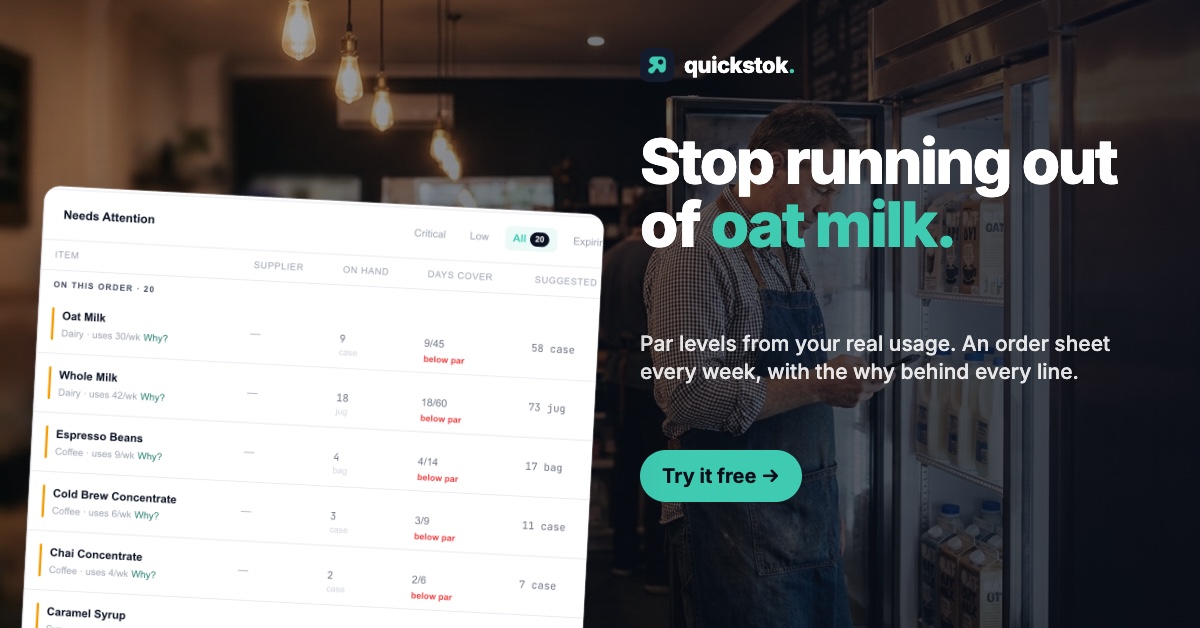
- Telling you what to order. Par levels and a reorder point (what a par level is, how to set a reorder point) should fall out of the counts and sales, not be a second spreadsheet.
A fifth job, pushing invoices into accounting software, is what separates the $19 tools from the $350 ones. It is essential for an operation with a bookkeeper and irrelevant for an owner who does the books on Sunday.
The takeaway: judge every tool below on counts, invoice capture, sales-to-usage and ordering first, and pay for accounting integration only if someone on your payroll needs it.
Which café inventory tools are worth comparing in 2026?
These are the ten a café owner actually meets when searching, in rough order of price.
A spreadsheet. Free, flexible, and honestly fine under about 40 SKUs with one person counting. It stops the week you are too busy to maintain it, and it never reads an invoice.
Square built-in inventory. Square's $0 plan includes an item library that will "keep track of inventory and sales" per item, deducting at the register. Square Plus ($49 per location per month) adds what Square calls advanced inventory, and the retail version adds stock intake, purchase orders and COGS reporting. It is item-level, not ingredient-level.
Toast built-in inventory. Toast's Starter Kit is $0 a month and its Point of Sale plan is $69 a month; item-level stock tracking comes with the POS. Same ceiling as Square: a latte is one item, not six ingredients. Why POS inventory runs out goes through both.
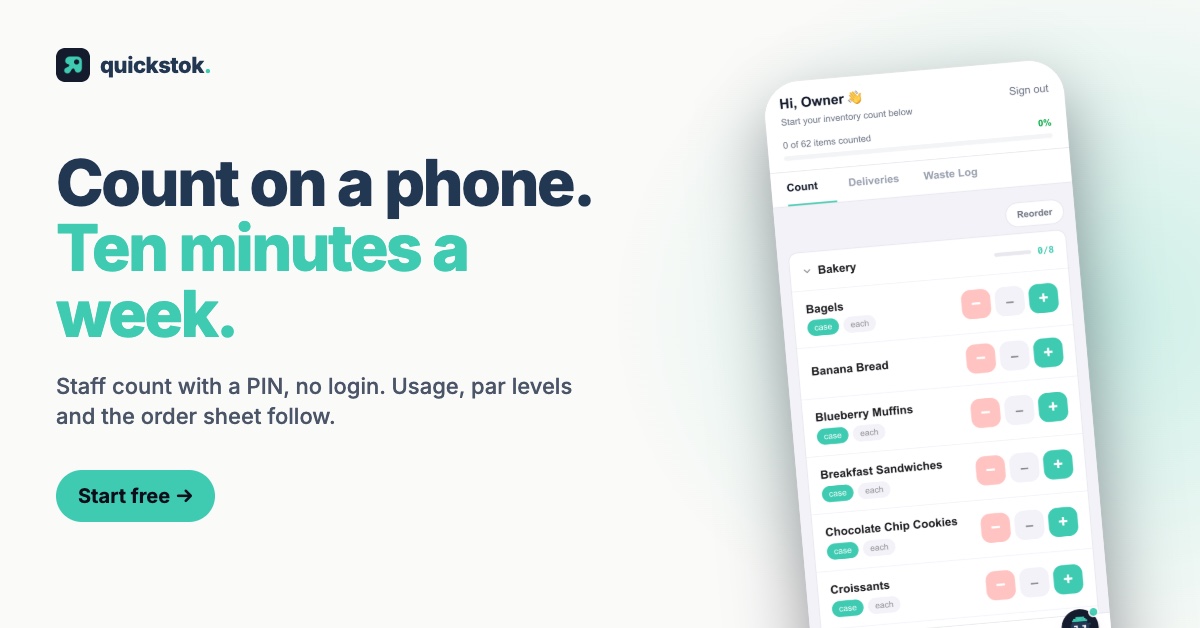
QuickStok. Built for independent cafés. Snap a photo of a supplier receipt or invoice (photo, PDF or HEIC) and the items, pack sizes and prices are extracted; staff count weekly on a phone with a PIN, no login; the Square integration imports your menu as recipes and turns each sale into ingredient usage, counted per size sold, so par levels and an order sheet come out automatically; recipe costing gives COGS and margin per menu item and per size. Free plan: 250 items, 25 recipes, 15 AI receipt scans a month, 3 staff PINs, 3 Hopper AI messages a day, no card. Pro is $19 a month, $15 a month billed quarterly ($45), or $13.25 a month billed yearly ($159); additional locations are $9 a month each and email forwarding of supplier invoices is a Pro feature.
xtraCHEF by Toast. Toast's invoice-processing and food-cost product, requested as a demo through the Toast shop. Toast's help centre lists Essentials at $179 per month per location and Pro at $279. Only relevant if you are on Toast.
MarketMan. The best-known mid-market name. Starter is $249 a month with 50 AI invoice scans and one vendor EDI integration; Growth is $299 with unlimited scans; Enterprise is quoted from $449. Multi-location reporting, vendor payments and distributor integrations are its strengths. The MarketMan alternative breakdown covers where the gap matters for a café.
MarginEdge. $350 per location per month, month to month with no cancellation fee, 10% off on an annual term. Invoices are processed into your accounting system and you get a daily P&L. Toast users pay an extra $50 per location per month to Toast for its Restaurant Management Suite.
Craftable. Inventory, recipe management and AP automation for bars and restaurants. No prices are published; everything goes through a booked demo.
BlueCart. Primarily a wholesale ordering platform for distributors, with a buyer side that covers ordering, inventory and food costing. No prices are published for restaurants.
Restaurant365. Accounting, inventory, scheduling and payroll in one platform. Does not publish pricing; quoted through sales and implemented as a project.
If you are still on a spreadsheet and want to see what the receipt path feels like, snap a photo of your last receipt and see whether the extracted prices match what you thought you were paying.
The takeaway: three of these are free or already paid for, one is $19, two are $179–350 per location, and four are quoted through sales; the price bands line up almost exactly with who each tool was built for.
How do the tools compare side by side?
Prices are monthly list prices from each vendor's own page on 8 November 2026. "Sales" means the vendor publishes no price.
Two columns carry most of the decision. If "Sales → ingredient usage" is No, the tool will not see dairy and bean loss. If "Accounting integration" is No, your bookkeeper gets a number from you, not a feed.
The takeaway: QuickStok is the only row that does invoice capture and ingredient-level usage at a free or $19 price, and the only one of the paid tools without an accounting feed; that single trade is the whole comparison.
Which café inventory software is right for which café?
Single espresso bar, no kitchen, owner does the books. QuickStok Free, or Pro at $19 once you pass 15 receipts a month or 25 recipes. Keep your POS's item counts running for retail bags. A spreadsheet is a fair alternative under 40 SKUs; the free inventory app comparison walks through where each one stops.
Two or three locations on Square. QuickStok Pro with additional locations at $9 each: $37 a month for three shops, each linked to its own Square location, each with its own counts, par levels and order sheet. MarketMan Growth at $299 is the step up when you need distributor EDI, vendor payments or a POS other than Square.
Café with a kitchen: sandwiches, bakes, brunch. Recipe complexity goes up and so does invoice volume. If you are on Toast, xtraCHEF at $179 is the natural add-on. If not, MarginEdge at $350 per location gives you invoices straight into accounting and a daily P&L. QuickStok still does the costing, and you can check a dish in the free food cost calculator before deciding, but it will not feed your bookkeeper's software.
Multi-unit with a bookkeeper or ops manager. This is who MarketMan, MarginEdge, Craftable and Restaurant365 were built for. Pick on the integration your accounting already runs on, and budget implementation weeks, not an afternoon.
The takeaway: match the tool to your invoice volume and to whether anyone else needs the data; ambition is not a reason to pay $350 a location.
Where does QuickStok fall short?
Readers trust a roundup that is honest about the author's own product, so here it is plainly.
- One POS. The sales-to-usage feature works with Square. On Toast, Clover or Lightspeed you still get receipt scanning, counts, par levels and costing, but usage has to come from counts alone.
- No accounting integration. Nothing flows into QuickBooks or Xero. You get COGS and margin per menu item and per size; the ledger entry is yours to make.
- Free caps are real. 250 items, 25 recipes, 15 scans a month and 3 staff PINs. A café taking four deliveries a week passes the scan cap around week three. Email forwarding of invoices is Pro only.
- One Square location per shop, and extra shops cost $9 each. Cheap, but it is a per-site model.
- Young product, small team. It runs my own café every day and the founder answers support, which is a strength and a limit at the same time.
The pricing page shows the plans without hedging; the food cost calculator post shows what the costing output looks like in practice.
The takeaway: QuickStok is the right pick when the problem is counts, invoices and ingredient usage at an independent café's budget, and the wrong one the day a bookkeeper needs a feed.
How do you choose without wasting a month?
- Count your deliveries for two weeks. Under eight a month, a free plan or a spreadsheet will hold. Over fifteen, you need unlimited invoice capture.
- Ask who else needs the data. If the answer is only you, skip every tool with an accounting feed.
- Check the POS column. A sales-to-usage feature you cannot connect is a feature you do not have.
- Read the cancellation terms before the demo. MarginEdge is month to month; MarketMan's page does not state a contract term; Restaurant365 and Craftable are quoted. The cost of choosing wrong should be one month, not twelve.
- Run one real invoice through whatever you pick. Extraction quality on your suppliers' actual formats matters more than any feature list.
If the first step of that test is the easiest, start there: snap a photo of your last receipt, no card, and see what comes back.
The takeaway: two weeks of delivery counts and one honest answer about who needs the data will pick the right tool faster than any demo call.
Competitor pricing verified against each vendor's published pricing page on 8 November 2026. Vendors change prices and terms; confirm directly before signing.