Square's built-in inventory is item-count inventory. Turn on stock tracking for a bag of beans and the count drops by one each time a bag sells. It cannot turn a latte sale into milk usage, because a latte is one item to Square and milk is another, and nothing in the item library links them. A beta Recipes feature on the paid Square for Restaurants plans gets part of the way there, but it excludes items with sizes and ignores modifiers, which is most of a cafe menu. The alternatives fall into three families: a spreadsheet kept beside Square, a cafe-sized tool that reads your Square sales, or a restaurant back-office platform priced for groups.
Every Square and competitor figure below was checked on the vendor's own page on 8 November 2026. Where a vendor does not publish a price, it says so.
What does Square's built-in inventory actually do?
One inventory system, with features that unlock by plan. The paid tiers are billed per location.
Square Free ($0). Item-level stock counts in the item library, with "Advanced Stock Tracking" for a separate count per variation. Counts update from sales through the Square app, Square Invoices and shipped online orders, tracked per location. Low-stock alerts are set per item in the online Dashboard and sent by email. Square's help article calls this "basic tools to keep a clear count of in-stock items in your item library", which is exactly right.
Square Plus ($49 per location per month). Adds stock intake, vendor profiles and purchase orders, unit costs on items, and a Cost of Goods Sold report. Square's Restaurants pricing page sums it up as "Integrated inventory tracking and close of day reports".
Square Premium ($149 per location per month). Same inventory tools, with multi-location extras such as transfer orders and cross-location returns.
Square Recipes (beta, Restaurants Plus and Premium only). The one Square feature aimed at the ingredient problem. You add ingredients to the item library with a unit cost, attach a recipe to a "Prepared Food & Bev" item, and when it sells "each ingredient's stock is decremented according to the recipe quantity". Costs roll into the COGS report.
The takeaway: on Free, Square counts whole items. On Plus and Premium it adds purchasing and COGS. Only the beta Recipes feature on Restaurants Plus or Premium touches ingredients at all.
Why can't Square turn a latte sale into milk usage?
Because the cafe menu is built out of the two things Square Recipes cannot handle.
Square's own help article for the beta is clear about the limits. Items with multiple variations cannot have a recipe; the suggested workaround is to make each size its own item. Modifiers "don't track inventory or costs", so an oat-milk swap or an extra shot deducts nothing. Recipes cannot nest, so a house syrup or a cold brew concentrate cannot be a sub-recipe.
For a 12 oz oat latte: the size is a variation, so the item is excluded unless you split "Latte" into three items and retrain staff on new buttons. The oat milk is a modifier, so even the split item would draw down whole milk, not oat. Beans, cup, lid and the pump of vanilla work, but only on items you have rebuilt.
There is a second gap no POS feature closes. Recipe deduction gives you theoretical usage, what should have been used given sales. Milk gets steamed and poured out, beans get dialled in and dumped, syrups get over-pumped. You need a count on a shelf to see the difference, and the item library is not a counting tool. Why POS inventory modules run out covers the general case; Square's is the specific one.
The takeaway: Square Recipes excludes sizes and modifiers, which is where a cafe's menu lives, and even a perfect recipe only tells you what should have been used, never what was.
Should you stay on Square's inventory?
Probably, if most of what runs out is sold as a unit. Be honest about which shop you are.
Stay on Square inventory if:
- Your losses are in retail: bags of whole bean, bottled and canned drinks, packaged pastries, merch. Item-count inventory deducts these at the register at no extra cost, and the low-stock email is enough.
- Your menu has no sizes and few modifiers, you are already on Restaurants Plus, and you are willing to try a beta. A single-size drip and pastry program fits Square Recipes as designed.
- You want one login. Every tool below is a second system your staff have to open.
Look elsewhere if:
- The money is leaving in milk, beans and syrups, not in bags and bottles.
- Your menu has sizes and milk swaps, and you are not going to rebuild it so a beta can read it.
- You want usage figures that come from counts, not only from sales.
The takeaway: a retail-heavy shop should keep Square's inventory and stop reading here; a drinks-heavy cafe needs something that understands a recipe with sizes.
What are the alternatives to Square inventory?
Three families. Each one keeps Square as the register; none of these replaces your POS.
Square plus a spreadsheet. Free, and honestly fine under about 40 SKUs with one person counting. Nothing reads your Square sales or your invoices, so usage is whatever you infer by hand, and supplier price creep goes unnoticed. Free inventory apps for cafes covers where the sheet stops.
A cafe-sized tool that reads Square. QuickStok is in this family. Square stays the POS; the tool connects, reads the menu and sales, and does the recipe and counting work Square does not. Priced for one shop.
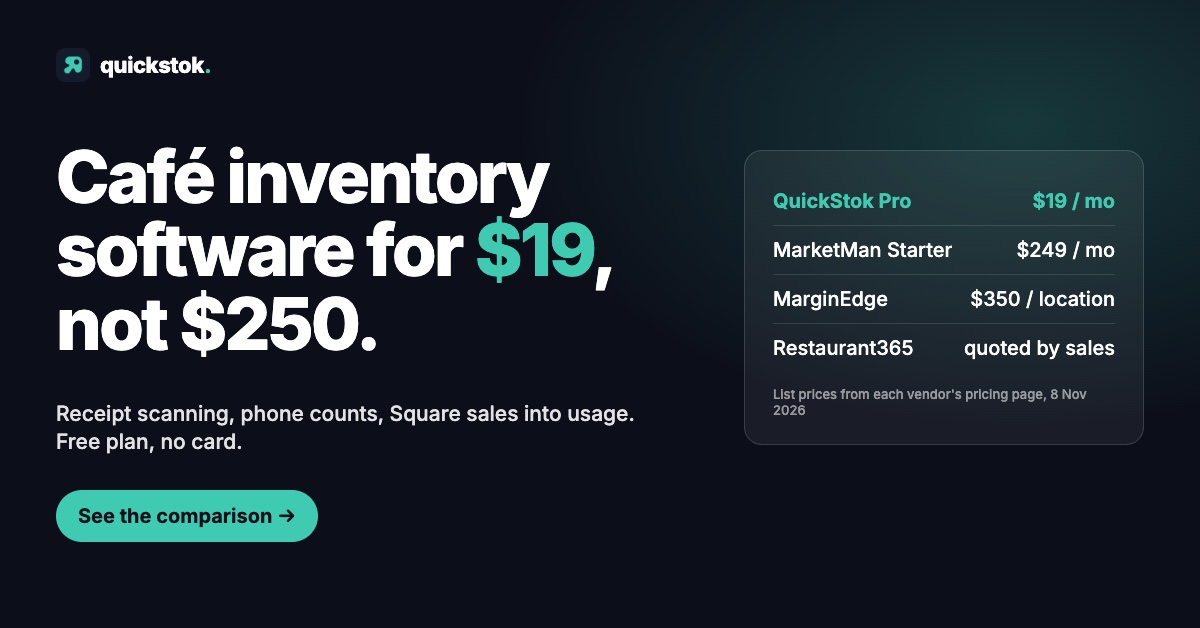
A restaurant back-office platform. MarketMan, MarginEdge and Craftable all integrate with Square and do ingredient-level inventory, invoice processing and recipe costing properly. They are built for multi-unit operators with a bookkeeper, and priced that way. Square also resells MarketMan to Restaurants Plus and Premium subscribers as "Square Restaurant Inventory", set up through an account manager. If MarketMan is on your list, the MarketMan alternative for cafes covers the gap in detail.
Prices exclude processing, setup and add-ons. Square's in-person rate also drops by plan (2.6% + 15¢ on Free, 2.5% + 15¢ on Plus, 2.4% + 15¢ on Premium), which is often the real reason a busy shop is on Plus.
The takeaway: for a cafe, the choice is between a spreadsheet and a cafe-sized tool that reads Square. The platforms start at $249 a month and are built for a different operator.
How does a tool that reads Square beat one that replaces it?
Switching POS to fix inventory is the expensive way round. Your register, menu, card rates and staff muscle memory are all in Square and all working. The right alternative leaves them alone and takes only what inventory needs: the menu and the sales. Here is how QuickStok does it.
One Square location per shop. Each QuickStok location links to exactly one Square location, automatically if there is one of each, otherwise you choose in Settings. A shop with no link is skipped, not guessed at.
The menu arrives as recipes. Import reads your Square items, variations and modifier lists and creates a recipe per item with a variation per size. Archived items, gift cards, services and items not sold at the linked location are skipped. Recipes with no ingredients yet are ranked by their share of your last 56 days of sales, so you start with the latte, not the alphabet.
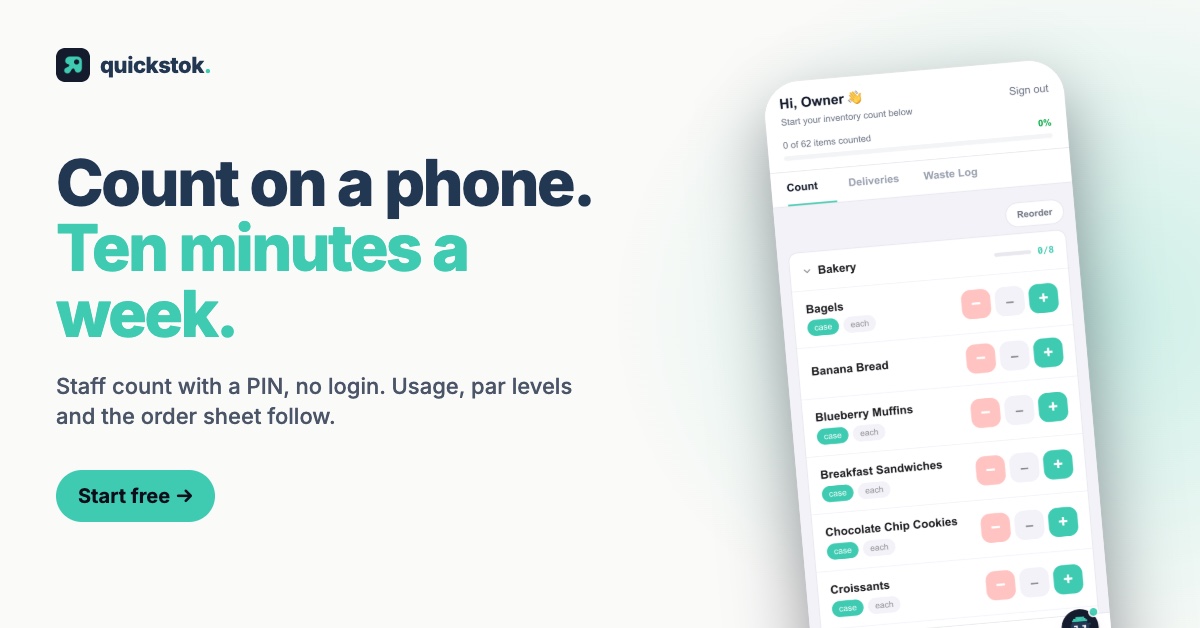
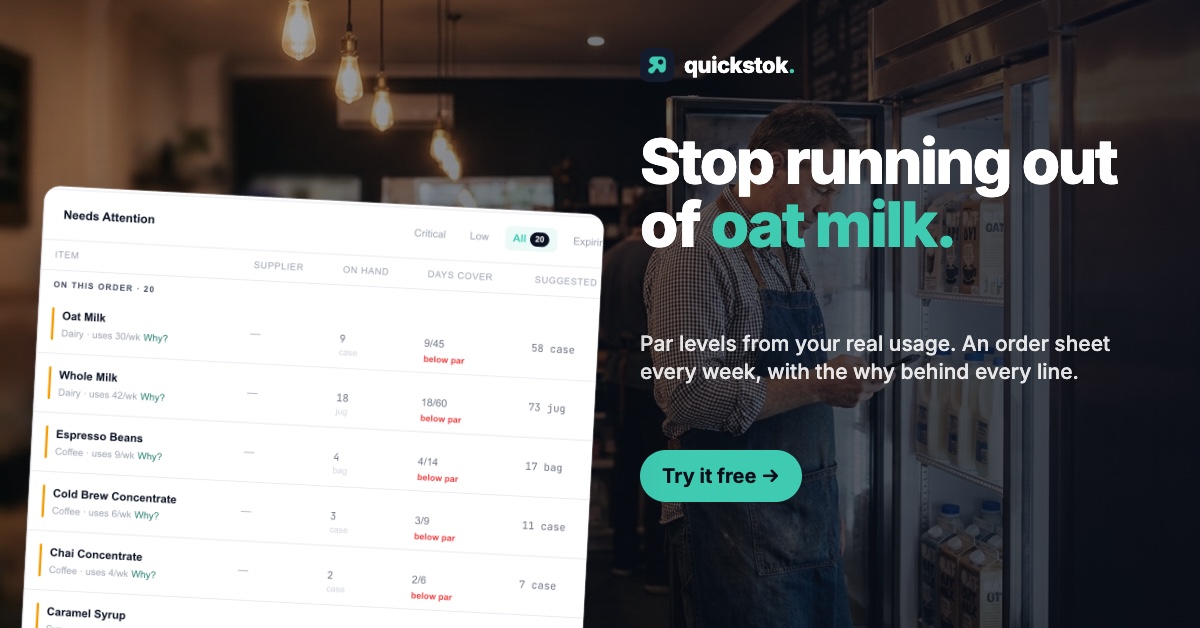
Sales become usage, for the size actually sold. A 12 oz sale depletes the 12 oz ingredient rows plus the rows that apply to every size; a 16 oz sale depletes the 16 oz rows; modifier options with ingredients attached deplete too. Usage is averaged over the last 56 days with recent weeks weighted more, and feeds par levels and the order sheet. For the arithmetic, see what a par level is and how a reorder point works.
It never overwrites your count. The rule that matters most. Square-derived usage fills an item's usage figure only when it is empty or when Square set it last. If it came from a count, it stays, and the sync report lists that item as kept. Your staff's weekly count outranks the sales model, always.
The limits, stated plainly. Sales only move into usage once a recipe has ingredients; an imported menu with nothing attached produces a sync report full of "no ingredients" and no usage. The nightly automatic sync is a Pro feature; the manual Sync Now button works on every plan. The free plan stops at 250 items, 25 recipes, 15 AI receipt scans a month, 3 staff PINs and 3 Hopper messages a day; Pro is $19 a month, $15 a month billed quarterly or $13.25 a month billed yearly, with extra locations at $9 a month each. And it is a young product, built by one cafe owner in San Francisco, with a shorter integration list than the platforms in the table above.
If you want to see your own menu arrive as recipes, snap a photo of your last receipt and connect Square as the second step; the free plan needs no card. The pricing page has the full plan comparison.
The takeaway: the right Square inventory alternative keeps Square as the register, reads the menu and sales from it, and lets a shelf count outrank the sales model.
How do you add ingredient tracking without breaking what works?
The order matters more than the tool.
- Change nothing in Square. You are adding a reader, not a replacement.
- Capture one receipt first. Pack sizes and prices come from the invoice; usage means nothing until the tool knows oat milk comes 12 × 1 L at a price.
- Connect Square and import the menu. Check that the location link is the right one before you sync anything.
- Add ingredients to the top five sellers only. The import tells you which five carry most of your sales.
- Count the top 20 SKUs once, on a phone, with a staff PIN. This is the number that wins.
- Run a sync and read the report. "Updated" is working. "No ingredients" is your next ten minutes. "Kept" means a count outranked the model, which is the system doing its job.
The takeaway: keep Square, capture a receipt, import the menu, cost the top five drinks, count once. Everything else follows from those five steps.
When you are ready, snap a photo of your last receipt, then connect Square. If it turns out your losses were in bags and bottles after all, Square's own inventory was the right answer, and this post has saved you a subscription.
Square plans, prices, processing rates and inventory features checked on Square's US pricing pages and Support Center on 8 November 2026; MarketMan and MarginEdge prices from their pricing pages the same day; Craftable does not publish pricing. Confirm directly before signing. Related: the tech stack an independent cafe actually needs.