If you run a café on Toast, you have three inventory options from Toast itself and they are not the same product. The stock counts on menu items are free and item-level: a bag of beans sells, the count drops, and when the last one goes Toast marks it out of stock. xtraCHEF is Toast's real inventory and food-cost product, at $179 or $279 per location per month, bought through a sales demo. Toast IQ Inventory is the replacement for all of it, in limited release as of October 2026, a paid add-on with no published price. Outside Toast, the independent tools either pay Toast's API fee to read your sales or work from your counts instead.
This post sorts out which of those a coffee shop needs. I run Outset Coffee in San Francisco on Square, not Toast, and I built QuickStok, which reads Square sales and not Toast's, so I have a stake here and I will say exactly where it falls short for a Toast café. Every price was read from the vendor's own page on 9 November 2026; the sources file for this post lists each one.
What inventory does Toast include at no extra cost?
Item-level stock counts on menu items, on every Toast plan including the $0 Starter Kit and the $69 a month Point of Sale plan.
You open an item, set a quantity, and Toast decrements it with each sale across every ordering channel. When the count reaches zero the item is marked out of stock automatically, which is genuinely useful for the pastry case and for bottled drinks. The limit is in Toast's own documentation: a count is set on an individual menu item, and two items cannot share one, so an ingredient that goes into several items has to be counted on each of them separately. Toast's answer for ingredients is a separate paid product, xtraCHEF today and Toast IQ Inventory next.
In café terms: whole milk is in the latte, the cappuccino, the flat white, the hot chocolate and the chai, and Toast cannot hold one milk count that all five draw from. So the built-in counts work for things sold as a unit and not for anything you pour, scoop or steam. Why POS inventory modules run out goes through the same problem on Square, where the answer is the same.
The takeaway: Toast's free counts are good for retail units and useless for ingredients, because one ingredient cannot feed several items.
What does xtraCHEF add, and what does it cost?
xtraCHEF is the product Toast bought to answer the ingredient problem, and it is priced for a restaurant.
Essentials, $179 per month per location. Invoice automation and accounting system syncing: photograph or email invoices, xtraCHEF digitises the lines, tracks ingredient prices and pushes sales and payroll to your accounting software. No inventory counts and no recipes at this tier.
Pro, $279 per month per location. Everything in Essentials plus inventory management and recipe costing: stock levels, waste, plate cost and menu pricing, actual-versus-theoretical reports fed by Toast sales data.
You cannot buy either online. Toast's help centre describes the route: log in to Toast Web, open the Toast Shop, find xtraCHEF under costs and inventory, pick a plan and select "Get a Demo", after which a Toast sales agent contacts you and onboarding follows.
For a single café that is $2,148 a year for invoices only, or $3,348 a year for invoices plus inventory. Third-party review sites print other xtraCHEF figures, from $149 to $349; I have used Toast's own help centre numbers and noted the conflict in the sources.
One more thing to know before a demo: Toast's support site says xtraCHEF customers "will have the option to migrate" to Toast IQ Inventory later. You would be buying into a product with an announced successor.
The takeaway: the inventory you actually want from Toast starts at $279 per location per month, by sales demo, on a product that is being replaced.
What is Toast IQ Inventory, and should you wait for it?
Toast IQ Inventory is the new name for the inventory capabilities in Toast Retail, extended to restaurants and intended to replace xtraCHEF and Toast's international inventory product. Its FAQ, last updated 19 October 2026, says it is "currently in limited release with select customers" and "a paid addition to your Toast subscription", and sends you to the Toast Shop for pricing.
The design is sensible for a café. You choose which items to track rather than stocking everything; sales from every channel deplete stock when the order fires to the kitchen; bulk-prepped items such as a cold brew concentrate or a house syrup can be held at the prepared-item level with production recorded manually; costing is FIFO. Automatic out-of-stock marking "is not yet available, but will be available soon".
Should you wait? Only if you are already on Toast Retail, where the upgrade is happening in place. For everyone else there is no price, no general availability date and no migration timeline: the FAQ says "no firm timelines are defined yet". Running out of oat milk this week is not solved by a product in limited release.
The takeaway: Toast IQ Inventory looks like the right shape for a café, but you cannot buy it today and nobody will tell you what it costs.
When should a café stay inside Toast's inventory?
Three cases where the honest answer is "do not buy anything":
Most of what runs out is sold as a unit. Bags of beans, canned drinks, packaged pastries, merch. The free item counts handle those well, and the automatic out-of-stock flag stops staff selling what is not there.
You have a kitchen, a bookkeeper and you are staying on Toast for years. xtraCHEF Pro at $279 is expensive for a coffee bar and reasonable for a brunch café processing a few hundred invoice lines a month into QuickBooks, as long as you accept the migration to Toast IQ Inventory when it comes.
You want one vendor and one bill. Everything outside Toast means a second login and, for any tool that reads Toast sales, Toast's API fee on top. Some owners will pay $279 to avoid that, and that is a fair choice.
If instead your problem is milk, beans, syrups and cups, you count by hand on a clipboard and you order by gut feel on a Sunday night, the free counts do nothing for you and xtraCHEF Pro is a lot of money for a problem a $0 tool solves.
The takeaway: stay inside Toast for retail units or for a full kitchen that will pay $279. Leave it for an espresso-bar menu.
What are the alternatives, and what does Toast charge to use them?
Before the list, the fee. Toast requires its Restaurant Management Suite, $50 per location per month, for any API integration, and adds a pass-through fee of 10% of the partner's subscription for some partners. MarginEdge publishes both on its pricing page because its customers pay them. Any tool that reads your Toast sales to deplete ingredients carries at least the $50. A tool that does not connect to Toast's API carries neither, and works from your counts instead.
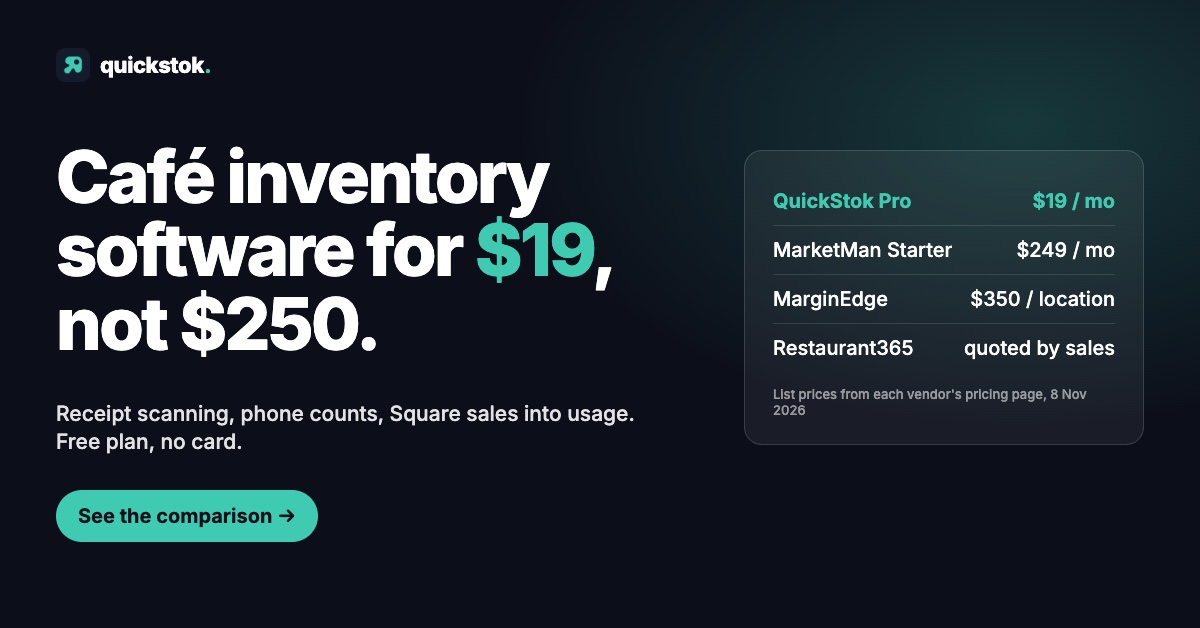
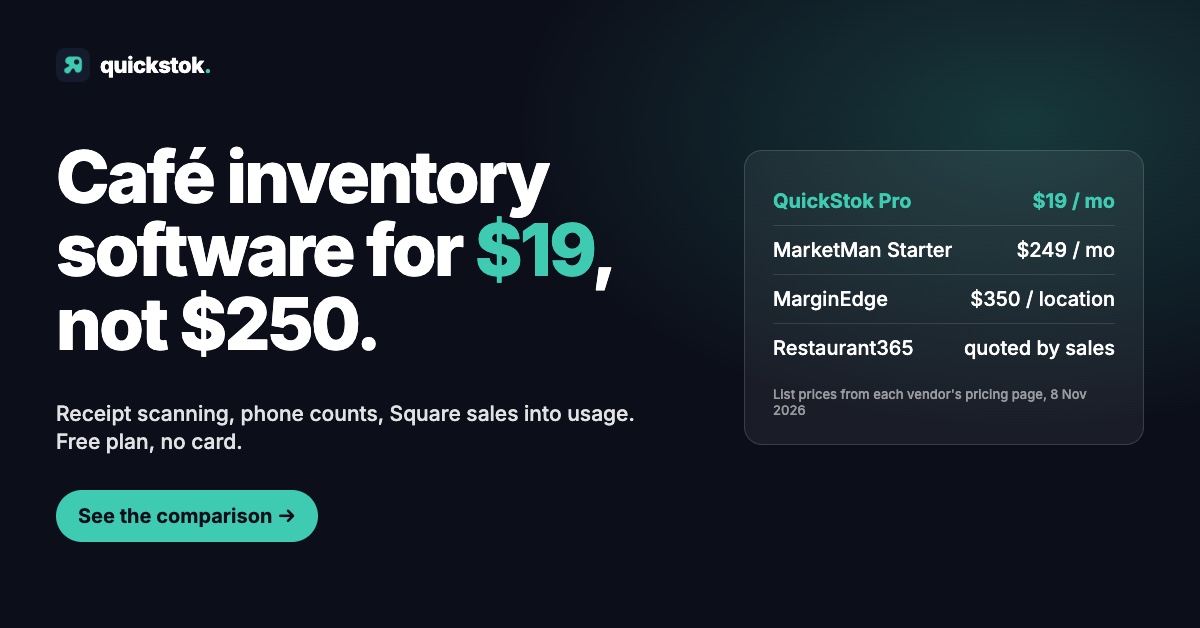
1. MarginEdge, $350 per location per month, plus $50 and 10% to Toast. Invoice processing by AI and people within 24 to 48 hours, unlimited US bill pay, daily P&L, inventory and recipe costing, and a Toast integration. The most complete option and about $5,200 a year for one café on Toast. Right for a kitchen with a bookkeeper; I wrote up when it is and is not in MarginEdge alternative for cafés.
2. MarketMan, $249 or $299 a month, plus Toast's API fee. Purchasing, supplier ordering, recipe costing, accounting integrations and a Toast sales feed, with a 12-month minimum that reviewers report. Starter at $249 caps AI invoice scans at 50 a month. MarketMan alternative for small cafés covers the contract terms.
3. WISK and Craftable, quoted through sales. Both integrate with Toast and both lean towards bars: WISK's roots are liquor inventory, Craftable started as Bevager. Neither publishes a price.
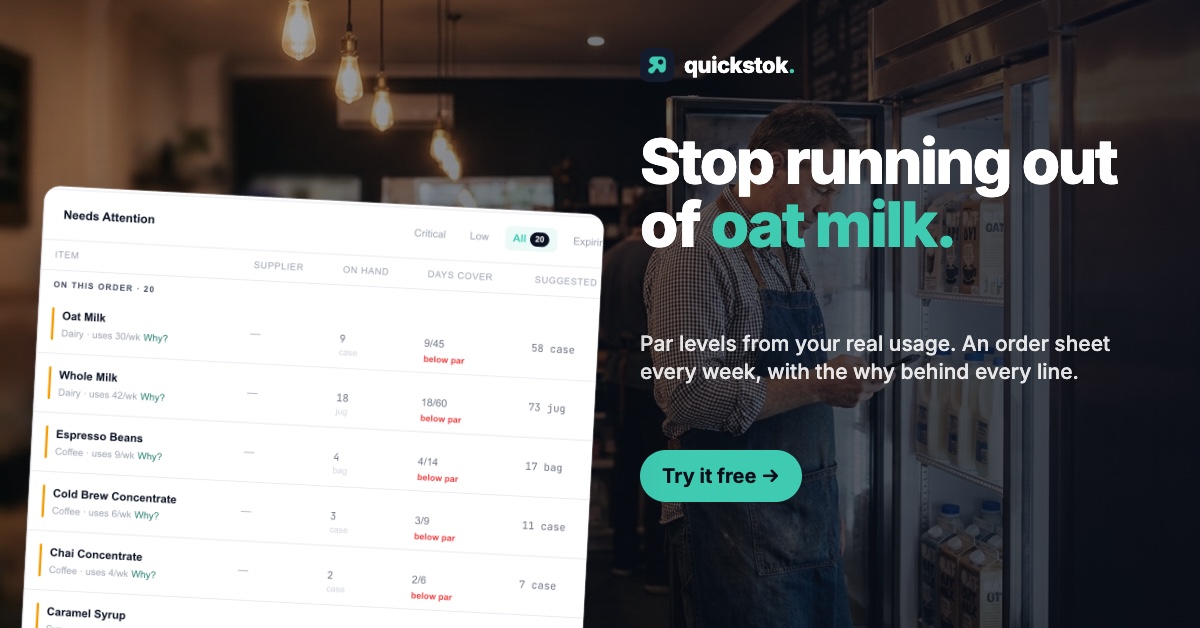
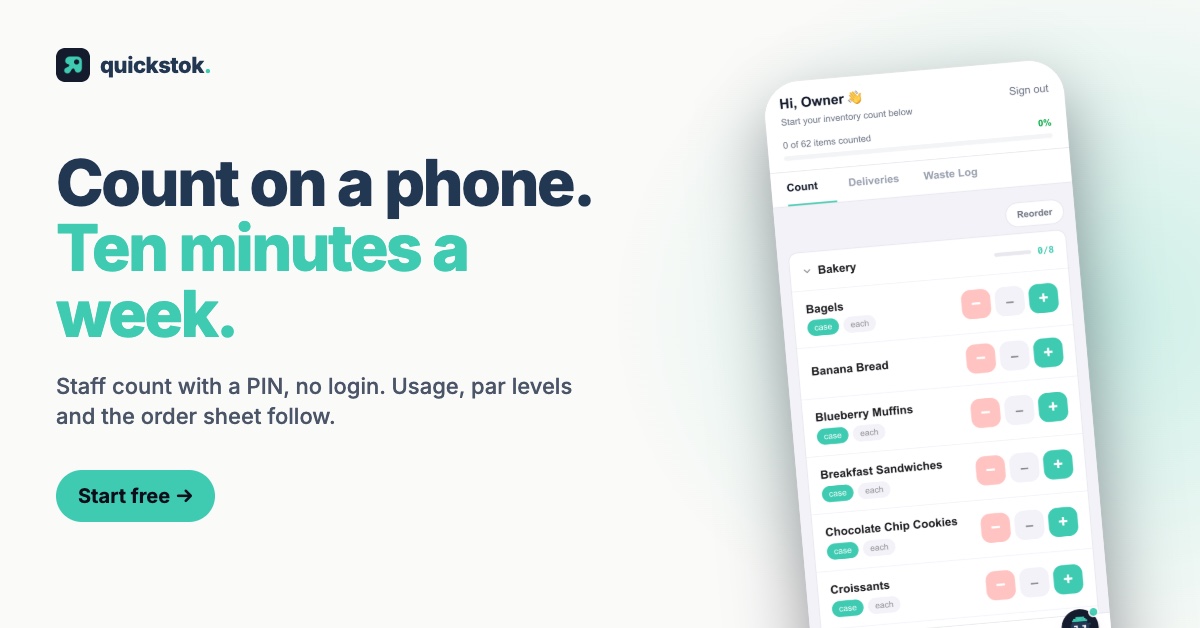
4. QuickStok, free or $19 a month, no Toast fee. Built for cafés. Photograph a supplier receipt and the items, pack sizes and prices land in inventory; staff count from a phone with no app; par levels, price-change alerts, recipe costing and a weekly order sheet grouped by supplier come from those counts and receipts. It does not connect to Toast, so there is no API fee and no sales-driven depletion: your usage figure is the difference between two counts, not a calculation from sales. Free for one location with 250 items, 25 recipes and 15 receipt scans a month, no card; Pro at $19 removes the caps and adds email invoice forwarding.
5. A count sheet and the free Toast counts, $0. Under about 40 SKUs with one person counting, a sheet with par and variance columns and Toast's unit counts for the retail items is a complete system. Free coffee shop inventory template is the one I used.
Best café inventory software in 2026 compares all of these against Square's and Toast's built-ins in one table.
The takeaway: on Toast, every tool that reads your sales costs at least $50 a month more than its sticker price. The choice is between paying that for sales-driven usage, or counting twice a week and paying nothing.
What does a Toast café actually get from a count-based tool?
Since QuickStok cannot read Toast sales, it is worth being precise about what a Toast café gets and gives up, because "no POS integration" sounds worse than it is for a coffee bar.
You get the same inputs a Square café gets, except one. Receipts photographed or forwarded become items and prices. Staff count milk, beans, syrups and cups from a phone, by shelf, in about ten minutes. Par levels are set per item and the order sheet lists what is below par, grouped by supplier, every week. Price-change alerts fire when a supplier moves a price on a new receipt. Recipe costing uses the latest receipt prices.
You give up theoretical usage. On Square, QuickStok turns the last eight weeks of sales into expected ingredient usage and compares it with what the count says actually went. On Toast, the count is the usage. Two counts a week give you a weekly usage figure per item, which is enough to set pars and catch a milk problem; it will not tell you that the problem is over-pouring on the flat white specifically, because nothing links the count to the drink.
The practical difference is one habit. A Square café can skip counts for a fortnight and still get a usable order sheet. A Toast café has to count, twice a week, or the pars go stale. For a shop already counting on a clipboard, that is not a new habit, it is the same one with the arithmetic done for you.
The takeaway: a count-based tool gives a Toast café everything but the sales maths. If you are counting anyway, you lose nothing you had.
How do you decide?
Five questions, in order. Stop at the first yes.
- Is everything that runs out sold as a unit? Use Toast's free item counts and nothing else.
- Do you have a kitchen, a bookkeeper and a few hundred invoice lines a month? Compare xtraCHEF Pro at $279 with MarginEdge at $350 plus Toast's fees. The deciding factor is whether you want bill pay and a P&L, which only MarginEdge has.
- Are you already on Toast Retail? Wait for the in-place upgrade to Toast IQ Inventory and ask Toast Shop for the price.
- Is the problem milk, beans, syrups and cups, and do you count anyway? Use a count-based tool. QuickStok is free for one location and takes about 30 minutes to set up from your last receipt.
- Under 40 SKUs and one person counting? A sheet and the free Toast counts.
Run your two best-selling drinks through the free food cost calculator with your current invoice prices first. If the margin surprises you, you have your answer about whether inventory is worth any money at all.
If you land on question four, start free with QuickStok: photograph your last supplier receipt and your items and prices are in. Keep Toast as your register; nothing changes there.
Prices verified on each vendor's published page on 9 November 2026. Toast's $0 Starter Kit and $69 Point of Sale plan prices come from Toast's own shop and pricing guide via search listings, because pos.toasttab.com refuses automated requests; xtraCHEF prices come from Toast's help centre. Vendors change prices and terms; confirm directly before signing.