MarginEdge is the best-reviewed back-office platform in the independent restaurant space, and it is priced like one: $350 per location per month, billed monthly with no cancellation fee, before onboarding and before the surcharge Toast adds. For that you get every invoice coded by AI and then checked by a person, your bills paid, a daily P&L with labour in it, and inventory and recipe costing on top. It is built for an operator with a kitchen and a bookkeeper. If that is you, it may well be worth it. If you run a coffee shop with five suppliers and do your own books on a Sunday, you would be paying $4,200 a year for an accounting workflow you do not run, to get the counting and reordering half that costs $0 to $19 elsewhere.
I run Outset Coffee in San Francisco and built QuickStok, so read my row in the comparison with that in mind. Every price below was read from the vendor's own page on 9 November 2026, and the sources file for this post lists each one.
What does MarginEdge actually do?
Most "MarginEdge alternative" articles compare it to inventory apps. That misses what MarginEdge is. It is an invoice-first platform: the inventory features sit on top of a purchasing ledger that is built by processing every invoice you receive.
Invoice processing. You photograph, email or upload every supplier invoice. MarginEdge's own description is "AI plus real people code every invoice": a team of former operators reviews the coding, and invoices come back processed within 24 to 48 hours with each line mapped to a product, not a vendor SKU. This is the feature reviewers on G2 and Capterra praise most, and one customer quoted on the homepage says the invoice coding alone is "worth the monthly spent".
Bill pay. Unlimited US bill payment is included in the flat fee. Approve an invoice and MarginEdge pays the supplier.
Daily controllable P&L. Sales from the POS, purchases from invoices and labour from your scheduling tool roll into a daily profit and loss view. Price-change alerts fire when a product you buy often moves.
Inventory and recipes. Counts by storage area, actual-versus-theoretical usage, recipe costing that updates as ingredient prices change, menu analysis, and an AI assistant that answers questions about dish margins. Freepour, a smart scale for liquor counts, is a paid add-on.
Integrations. More than 60 POS systems, including Square, Toast, NCR Aloha and SpotOn; QuickBooks, Xero and Sage for accounting; 7shifts for labour; and distributor feeds from US Foods, Gordon Food Service, Shamrock and Ben E. Keith.
The takeaway: MarginEdge is accounting-grade purchasing automation with inventory attached. The question for a café is whether you need the accounting half.
What does MarginEdge cost a single café in year one?
The headline is $350 a month. The real number depends on your POS and the add-ons.
For one café on Square, month to month, no add-ons: $4,200 a year plus whatever onboarding package you choose. On Toast, add $1,020 for Toast's two fees: $5,220. On an annual term, take 10% off the MarginEdge line only.
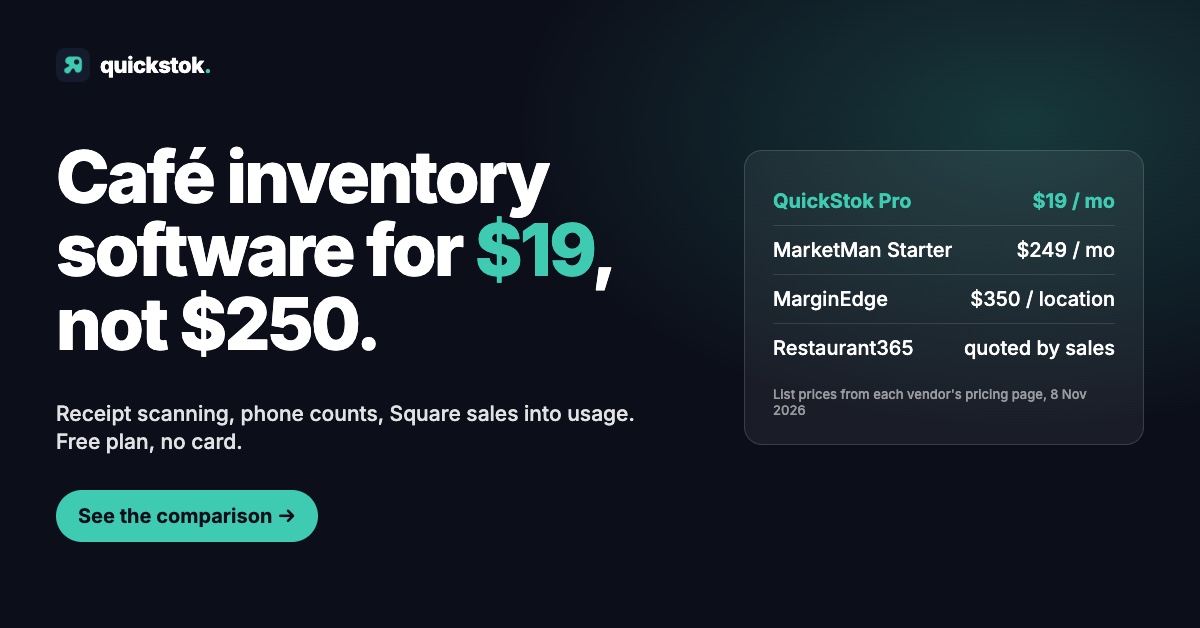
Set that against the monthly price of the café-sized tools. QuickStok Pro is $19 a month or $159 a year. MarketMan Starter is $249 a month. What café inventory software actually costs has the full first-year table.
The takeaway: $4,200 to $5,200 in year one for a single shop, before onboarding. That is a bookkeeper's budget line, not a barista's.
When is MarginEdge the right call?
I am not going to pretend the answer is never. MarginEdge has 12,000 restaurants and a 4.6-star average across G2 and Capterra, and the complaints reviewers do raise are about the learning curve and setup, not the product. Four situations where it earns the fee:
You have a kitchen and a bookkeeper. A brunch café or a bakery-café with a hot line receives a few hundred invoice lines a month. Coding those into QuickBooks by hand is real labour, and MarginEdge's processed invoices post straight to the ledger.
You want bill pay inside the tool. Approving an invoice and having the supplier paid, with the accounting entry made, is a workflow nothing in the café-sized bracket offers.
You run two or more locations. Location comparison, commissary transfers and consolidated purchasing are built in, and the per-location price buys per-location reporting.
Your accountant already uses it. MarginEdge sells to restaurant accounting firms. If yours works in it, the friction of a different tool outweighs the saving.
If none of those describe you, the parts of MarginEdge you would use are counts, par levels, price tracking and recipe costing. Those do not need a $350 platform.
The takeaway: MarginEdge is a good buy when invoices are your bottleneck. For a café where the bottleneck is running out of oat milk, it is the wrong tool at the wrong price.
What are the alternatives to MarginEdge?
Four families, cheapest first. Prices are the vendors' own as of 9 November 2026.
1. A spreadsheet plus your POS counts ($0). A count sheet with par and variance columns, filled in twice a week, plus the item-level stock counts built into Square or Toast. It handles a small espresso bar with under 40 SKUs. It gives you no invoice capture, no price history and no usage maths. Free coffee shop inventory template is the sheet I used before I wrote software.
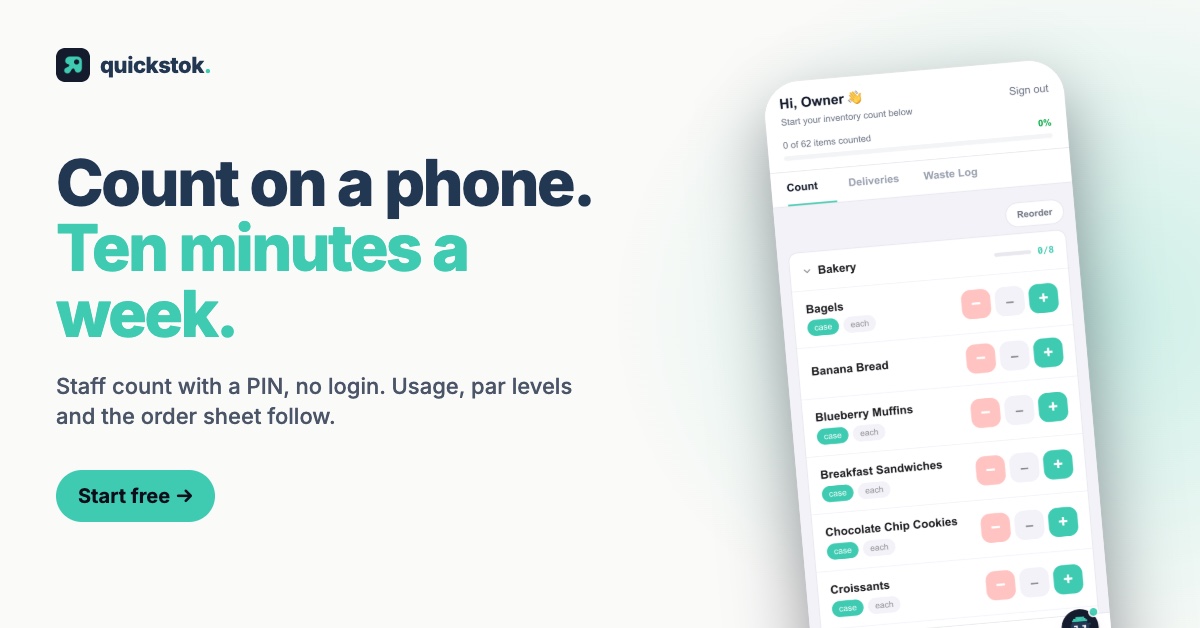
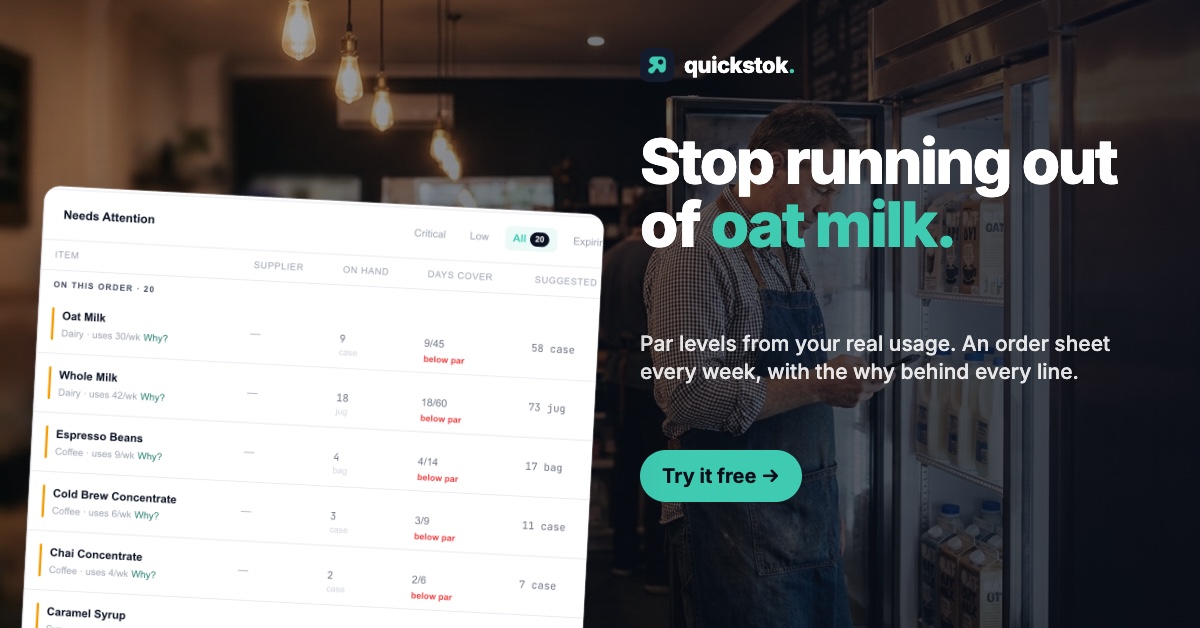
2. QuickStok (free, or $19 a month). Built for cafés specifically. Photograph a supplier receipt or invoice and the items, pack sizes and prices land in inventory; staff count from a phone with no app; connect Square and sales become ingredient usage, so par levels, order alerts and a weekly order sheet build themselves. Free for one location with 250 items, 25 recipes, 15 AI receipt scans a month and no card. Pro at $19 a month removes the caps and adds email invoice forwarding and batch upload. What it does not do: pay bills, post to QuickBooks or Xero, or produce a P&L.
3. MarketMan ($249 or $299 a month). The mid-market platform: purchasing, supplier ordering, recipe costing, accounting integrations, and a 12-month minimum that reviewers report. Starter at $249 caps AI invoice scans at 50 a month; Growth at $299 is unlimited. Closer to MarginEdge in scope than to QuickStok, and I wrote up when it fits in MarketMan alternative for small cafés.
4. xtraCHEF by Toast ($179 or $279 per location per month). Toast's own invoice and food-cost product, Toast-only. Essentials at $179 is invoice automation and accounting sync; Pro at $279 adds inventory and recipe costing. If you are on Toast and want invoice processing without a third party, this is the comparison to run, and MarginEdge's own blog argues its case against it in detail.
Restaurant365 and Craftable round out the field; both quote through sales rather than publishing a price, and both are built for groups.
The takeaway: if invoices are the job, compare MarginEdge with xtraCHEF and MarketMan Growth. If counting and reordering are the job, the choice is between a spreadsheet and QuickStok.
How does QuickStok compare with MarginEdge, line by line?
Two honest notes on the QuickStok column. First, the invoice extraction is AI only, there is no human review step, so you confirm the matches yourself; for a café receipt with 15 lines that takes a minute, for a 200-line produce invoice it would not be the right tool. Second, the sales-to-usage feature reads Square. On Toast, Clover or Lightspeed, usage comes from counts alone.
The takeaway: MarginEdge wins every accounting row. QuickStok matches it on the rows a café uses daily, at 5% of the price.
How do you switch from MarginEdge without losing your history?
If you are on MarginEdge today and the monthly line has started to sting, the switch is less painful than it looks, because the data you need to carry is small.
- Export your product list and last count. MarginEdge's inventory exports give you items, units and the latest on-hand figure. That is your starting inventory anywhere else.
- Re-scan your last two weeks of invoices in the new tool. Prices and pack sizes come from the invoices, not from the export. Two weeks of receipts rebuilds current pricing for everything you buy regularly.
- Keep MarginEdge running for one more close. Let your bookkeeper finish the month in the tool they know, then cancel. There is no cancellation fee on monthly billing; on an annual term the remaining balance is due, so time it to the renewal.
- Decide where invoices go now. If MarginEdge was your route into QuickBooks, you need a replacement for that: your bookkeeper's own capture tool, or QuickBooks' receipt feature. A café-sized inventory tool is not an accounting tool, and pretending otherwise is how the switch goes wrong.
Before you switch, run your two biggest dishes through the free food cost calculator with current invoice prices. If the margins surprise you, that is the number MarginEdge was giving you daily, and it is worth knowing whether you will miss it.
If you would rather test the café-sized option first, QuickStok is free for one location: photograph your last supplier receipt and your items and prices are in before you decide anything.
Prices verified on each vendor's published page on 9 November 2026. MarginEdge's onboarding packages are priced in a linked document that was not retrieved; confirm the package price when you enquire. Vendors change prices and terms; check directly before signing.