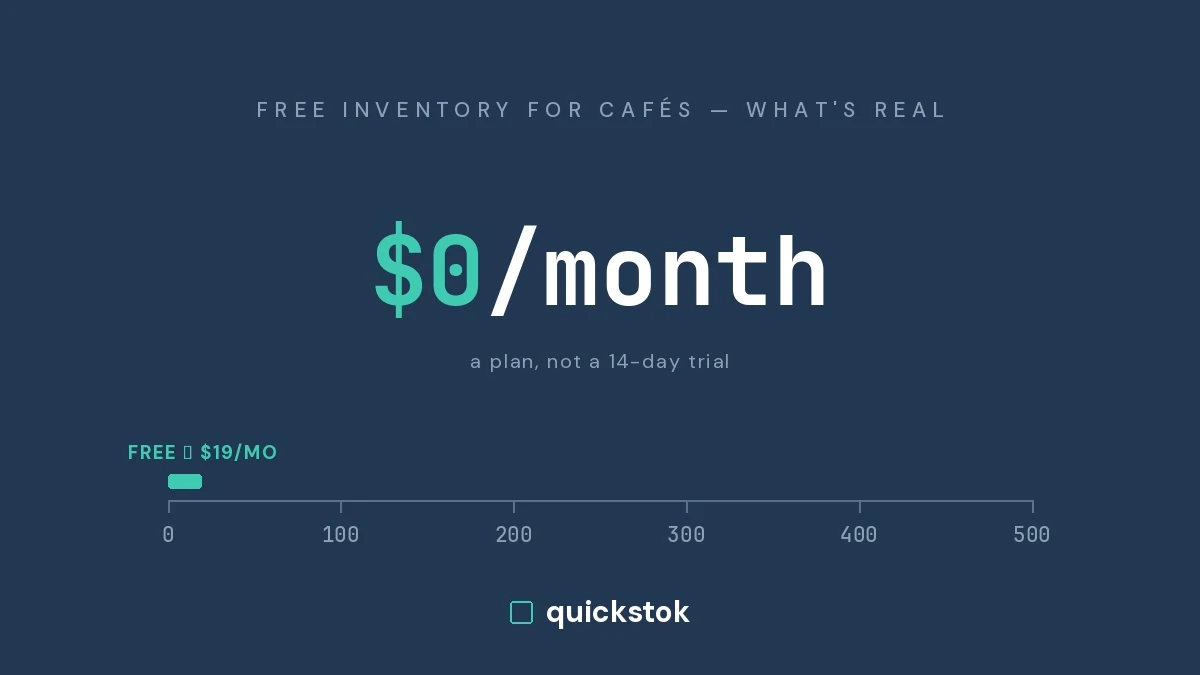
Yes, some inventory tools for cafes are free permanently rather than free for fourteen days — but every one of them has a hard edge, and knowing where that edge sits matters more than the word "free". A spreadsheet, your POS's built-in item counts, and a free plan will each run a small cafe competently. All three stop working at a predictable point.
This post covers what is genuinely free, what each option gives up, and what the paid tools publish — verified from each vendor's own pricing page on 26 July 2026.
Why does every search for free inventory software end in a trial?
Because this category was built for multi-unit operators, not for a two-person espresso bar, and the pricing reflects that.
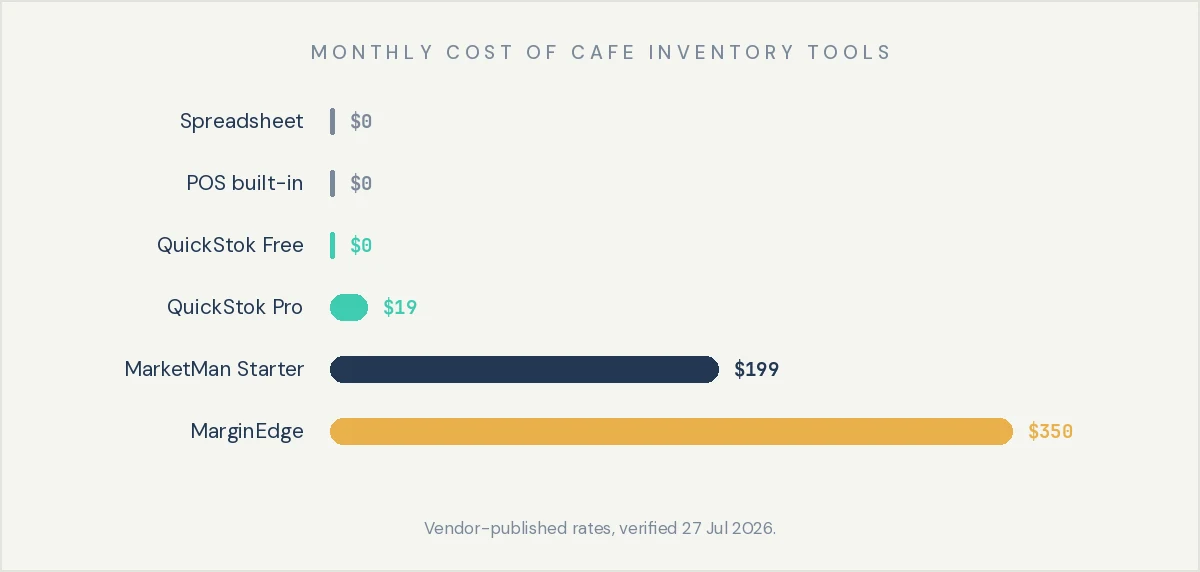
Published rates, from the vendors' own pages:
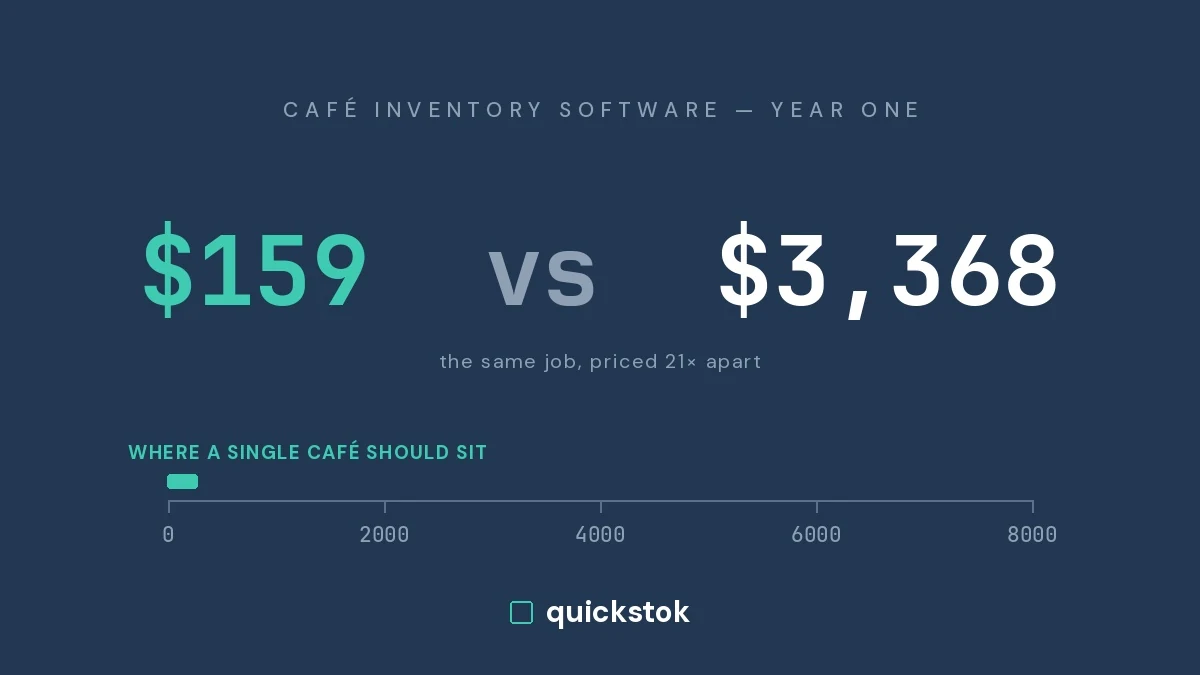
- MarketMan — $199/month for Starter, $249/month for Growth, Enterprise quoted custom. Setup is quoted separately; a promotion offering it free, described as a $1,500 value, was running at the time of writing.
- MarginEdge — $350 per location per month, or $500 bundled with Freepour. Month-to-month with no contract by default; annual billing saves 10%. Toast users pay an extra $50/month per location for Toast's Restaurant Management Suite.
- Restaurant365 — does not publish pricing; quoted through sales.
None of these are bad products. MarketMan and MarginEdge handle invoice processing and cost variance properly, and Restaurant365 is a full back-office platform. They are priced for an operator with a bookkeeper, not for a cafe doing $30,000 a month where $199 is a meaningful share of margin. If you are weighing MarketMan specifically, the MarketMan alternative breakdown for cafes covers where the feature gap actually matters.
The takeaway: the paid tier of this category starts near $200 per location per month, which is why most independent cafes never buy any inventory software at all.
What is genuinely free for a coffee shop?
Three families, and only three.
Spreadsheets. Free forever, endlessly customisable, and honestly good enough under roughly 40 SKUs. A single sheet with item, unit, par, on-hand and reorder columns will run a small espresso bar for years. The cost is manual: someone counts, someone types, and nothing is reading your invoices, so supplier price creep goes unnoticed until it shows up in your margin. A free coffee shop inventory spreadsheet is the right starting point for most new cafes.
POS built-in inventory. Square and Toast both include item-count inventory at no extra cost on plans you already pay for, and it is widely under-used. It handles retail units well — bags of whole bean, bottled drinks, packaged pastries — deducting them automatically at the register. Where it stops is recipe level: a 12 oz oat latte draws down milk, beans, a cup, a lid and a pump of syrup, and item-count inventory cannot decompose a sale into ingredients. If your losses are in dairy and beans rather than retail bags, it will not see them. Where POS inventory runs out goes deeper.
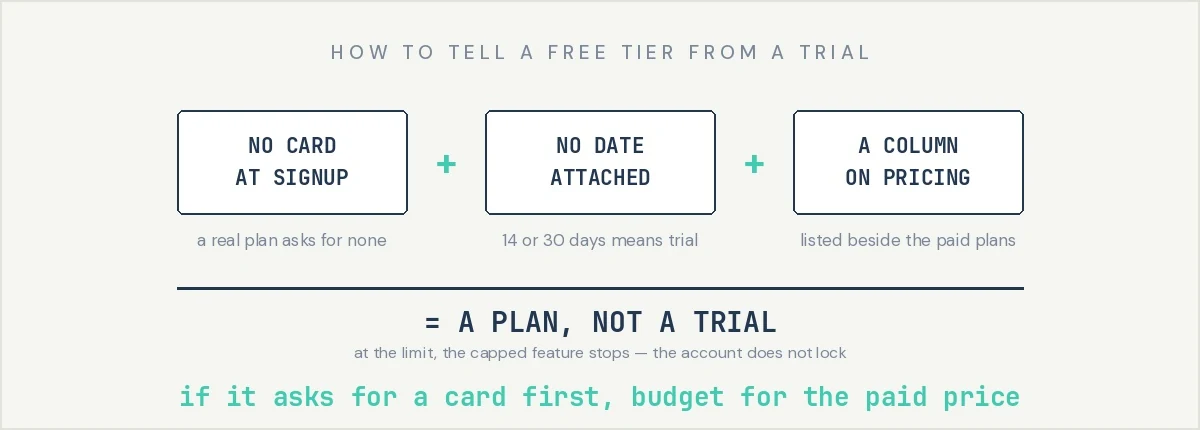
Free plans on dedicated apps. Rare but real. The test is simple: no credit card at signup, no expiry date, and "Free" listed on the pricing page as a plan beside the paid ones rather than as a trial.
The takeaway: between a spreadsheet and the POS you already pay for, a cafe can run a functional inventory system today for nothing.
 .webp)
Which free option should you actually pick?
The takeaway: start with a spreadsheet, add your POS built-in for retail units, and only move to a dedicated app when ingredient-level tracking is the thing actually costing you money.
Where does free stop working?
Free tiers and spreadsheets fail at predictable points. Knowing yours in advance is worth more than the tool choice.
- Item count. Every free plan caps something, usually items. A cafe carrying 150 to 300 SKUs will pass a 50-item cap during setup, not months later.
- More than one location. Almost every free tier is single-site, and transfers between locations become the thing you need most the moment you open a second.
- Invoice volume. A scan-capped free tier turns into partial data, and partial data is worse than none, because you will trust a food-cost number built on two-thirds of your purchases.
- Accounting integration. If your bookkeeper needs invoices flowing into QuickBooks or Xero automatically, that is the job the larger platforms are doing for their price.
- Four or five people touching stock. Spreadsheets break here specifically. Version drift costs more than software would.
The takeaway: free is the right answer for a single small cafe; past the item cap or the second location it becomes a genuine calculation.
How do you set up an inventory system in one afternoon?
The tool matters less than the first two weeks of data. This works on a spreadsheet or an app.
- Count your top 20 SKUs only — beans, milk, cups, lids, syrups, pastries. Usually 80% of purchasing. A printable cafe inventory count sheet template keeps this to about 25 minutes.
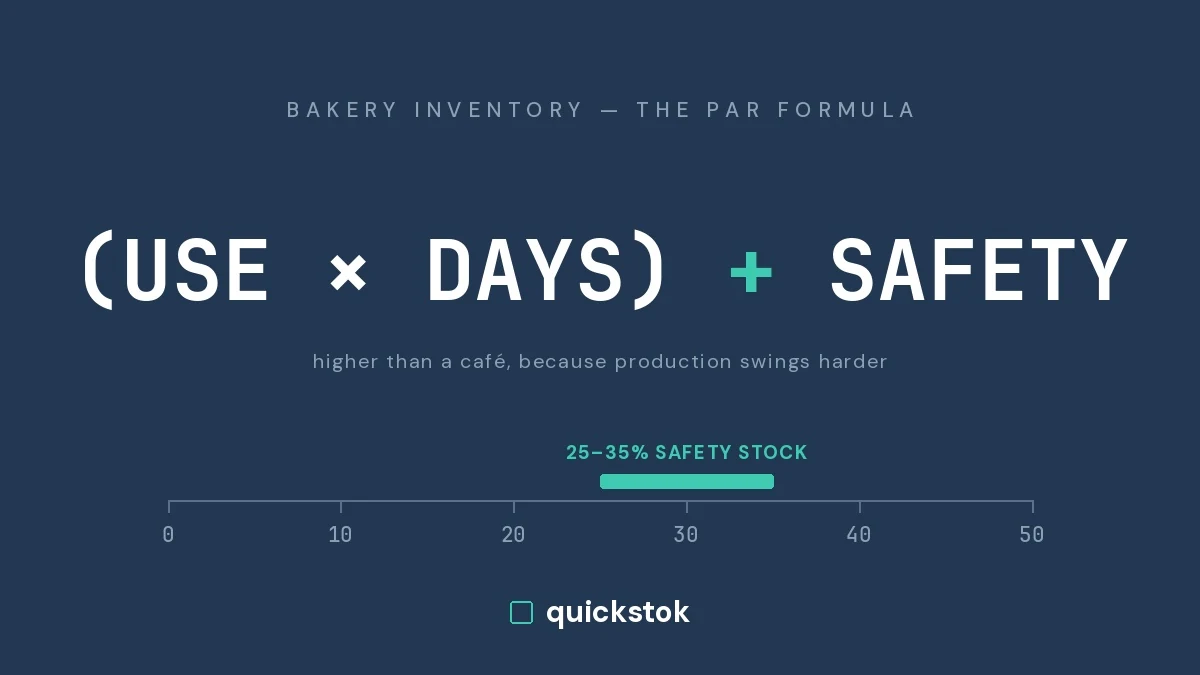
- Set a par level for each. Par is what you want on hand the morning after a delivery. Guess, then correct after two weeks.
- Count the same day, same time, weekly. Consistency matters more than precision on any single count.
- Log waste separately — date, item, quantity, reason, cost, initials. Under 30 seconds an entry.
- Cost your five highest-volume drinks. Once you know a 12 oz oat latte costs $1.14 to make, pricing and portioning decisions get easier.
The takeaway: two weeks of honest counts on your top 20 SKUs produces more useful information than any platform running on data nobody maintains.
How do you tell a real free plan from a trial?
Four questions, before you enter any details:
- Does signup ask for a credit card? A real free plan does not.
- Is there a date attached to the word free? Fourteen or thirty days means trial.
- Is "Free" a column on the pricing page, listed beside the paid plans with its own limits?
- At the limit, does the account lock, or does the capped feature simply stop until next month? Locking is a trial in disguise.
The takeaway: if a product asks for card details before showing you the interface, treat "free" as marketing and budget for the paid price.
Competitor pricing verified against each vendor's published pricing page on 26 July 2026. Vendors change prices and terms — confirm directly before signing.