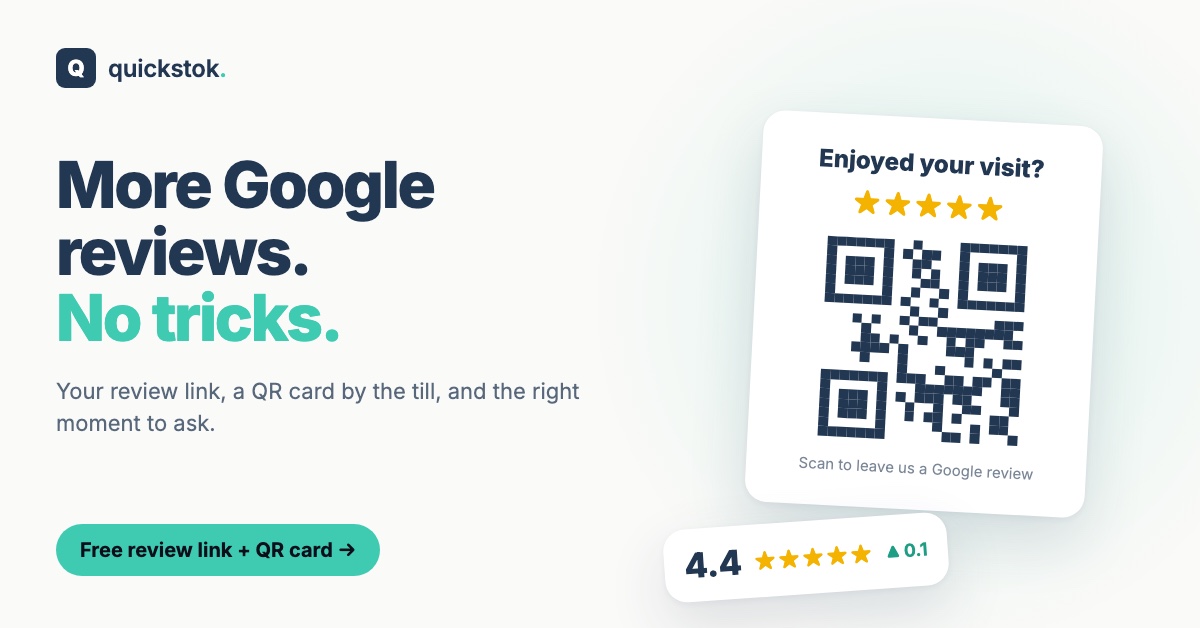
Most happy customers never leave a review — not because they don't want to, but because nobody asked and it takes three taps to find the form. Getting more reviews is mostly about removing those three taps.
Get your review link and QR card free: pick your café in the Google review check and print a counter card in one click. No sign-up.
Step 1: Get your direct review link
Google gives every business a link that opens the "write a review" box directly. You can find it in your Google Business Profile, or get it (plus a QR code) from the free review check.
Use it everywhere a customer already looks:
- A small QR card by the till or on tables
- The bottom of digital receipts
- Your loyalty app or email newsletter
- Your website's contact page
Step 2: Ask at the right moment
The best moment is when a customer has just said something nice. "Thanks so much — if you've got a second, a Google review really helps a small café like ours." Point at the card.
Good moments in a café:
- A regular says it's the best flat white in town
- Someone compliments a barista by name
- A customer comes back to say the cake was great
Step 3: Make it effortless
- QR card at eye level, not under the counter.
- One clear line: "Enjoyed your visit? Scan to leave us a Google review."
- No incentives. Don't offer a free coffee for a review.
What Google doesn't allow
Google's rules matter here — breaking them can get reviews removed.
- Don't pay or reward for reviews (discounts, free items, prize draws).
- Don't ask only happy customers ("review gating"). Ask everyone the same way.
- Don't write reviews for yourself or ask staff and family to.
Read Google's policy on prohibited content once — it's short.
How many reviews does it take to move your rating?
Google shows your rating to one decimal. If you're on 4.3 from 212 reviews, every new 5-star review nudges the average up a little. Taking 4.3 as your average, it takes about 17 new 5-star reviews for Google to show 4.4 — because 212 reviews averaging 4.3 plus 17 at 5 stars averages just over 4.35, which Google rounds up.
The fewer reviews you have, the faster each one moves the number. The review check does this arithmetic for your café and shows where you sit among the cafés within about 1 km.
Reply to the reviews you get
New reviews are a conversation. Thank the people who took the time, and answer complaints calmly — people reading your reviews notice. Our guide to responding to Google reviews has 12 example replies.
Keep going without the admin
QuickStok's Content plan connects your Google profile, reads your reviews, shows what customers love and complain about, and drafts a reply for each — you check every reply before it goes out. Your review link and QR card are free on every plan. Start free.