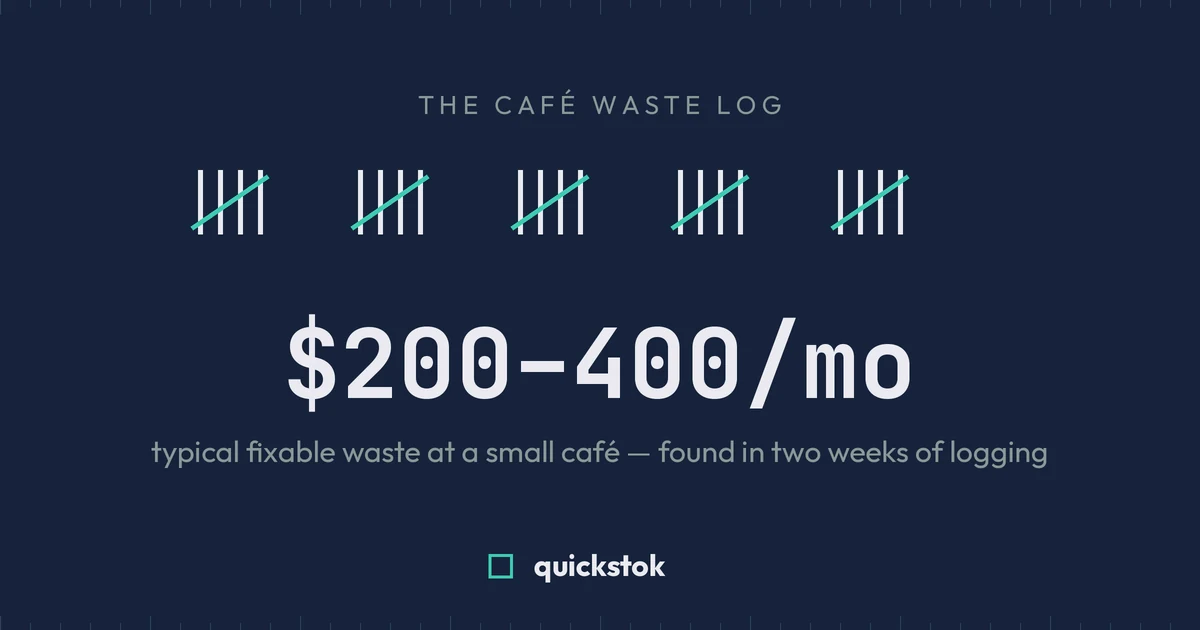
A café waste log needs six columns — date, item, quantity, reason, cost, and initials — and takes under 30 seconds per entry. Kept honestly for two weeks, it typically surfaces $200–400 a month in fixable losses at a café doing $4,000 in monthly purchasing. Download the free template below, or copy the structure straight into the sheet you already use.
Want the cost, not just the log? Our free waste cost calculator turns what you tossed into a weekly, monthly, and annual figure by reason.
Download the free waste log template (CSV) — opens in Google Sheets, Excel, or Numbers. Pre-filled with example rows and a weekly total formula.
Why bother logging what's already in the bin?
Because thrown-away product doesn't disappear from your books — it hides inside your food cost percentage looking like a pricing problem. When your period food cost runs three points above your per-item math, that gap is made of something: expired milk, unsold pastries, dialing-in shots, remakes. A waste log is the only tool that itemizes the gap.
The log converts a vague anxiety ("we waste too much") into a ranked list ("dairy expiry is 40% of our waste, and it's all Mondays"). Vague anxieties don't get fixed. Ranked lists do.
The takeaway: you can't reduce waste you haven't named — the log is the naming.
What goes in the template (and why each column earns its place)
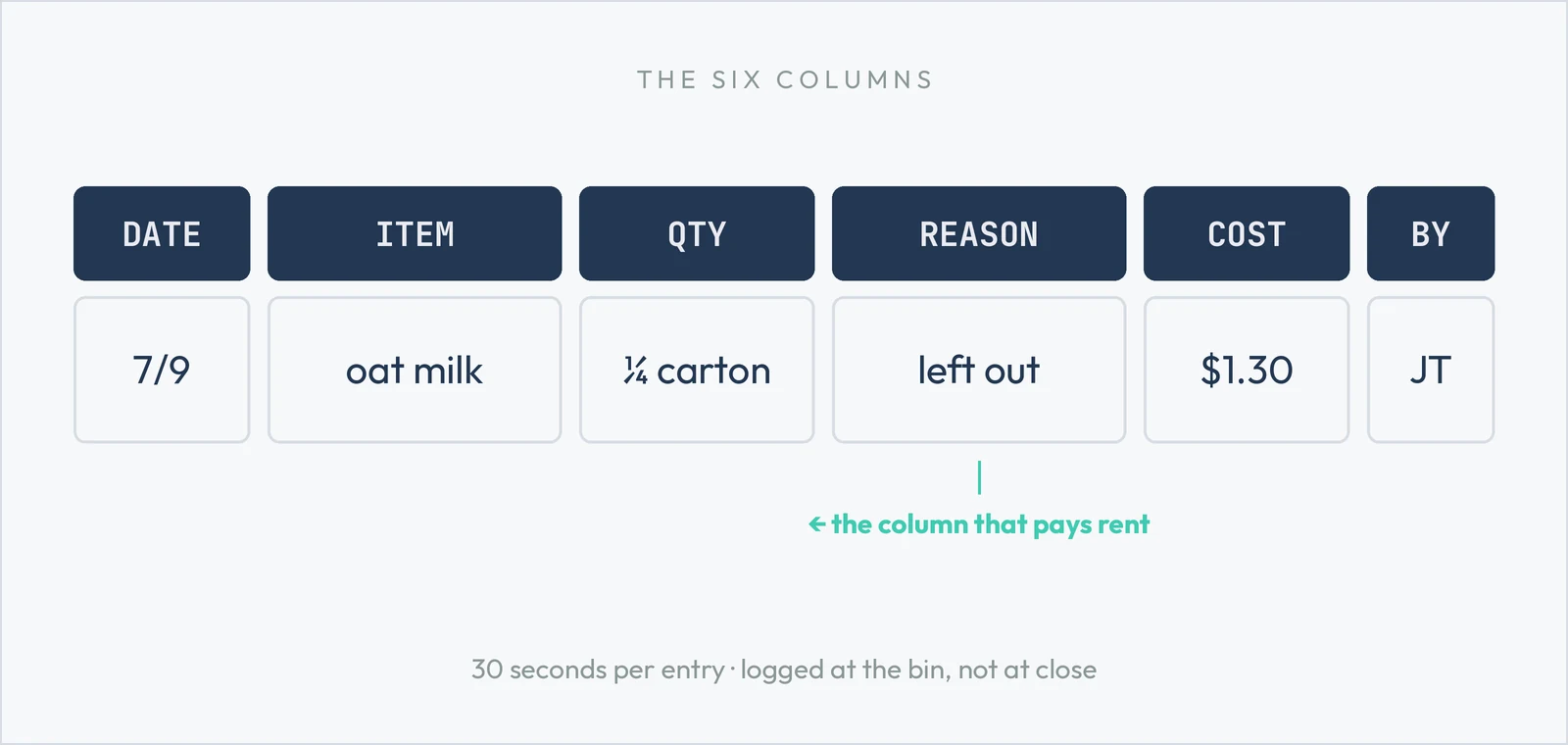
The reason column does the real work, because each reason has a different fix: expired → order less or later; overproduction → cut the par on prep items (or let usage data set it); mistake/remake → training or menu clarity; staff drink → policy decision, not a mystery.
The takeaway: six columns, and the reason column is the one that pays rent.
How to run it so it actually gets filled in
- Put it where waste happens. Clipboard on the wall by the compost bin, pen on a string. Digital-only logs die because nobody unlocks a phone with milky hands.
- Log in the moment, not at close. End-of-day memory recovers maybe half of real waste — and never the embarrassing half.
- Make entries 30 seconds. Shorthand is fine. "7/9, oat milk, ¼ carton, left out, $1.30, JT" is a perfect entry.
- Total it weekly, same time as your count. Waste total ÷ weekly purchases = your waste rate. Under 4% is tight; 5–10% is typical; above 12% means the log is about to pay for itself.
- Fix the #1 reason, ignore the rest. One change per week. Biggest line first. Re-rank next week.
The takeaway: a waste log succeeds on friction, not discipline — put it by the bin and keep entries under 30 seconds.
What two weeks of honest logging usually shows
Across cafés, the same five findings come up again and again:
- One item dominates — usually milk or pastry, often 30–40% of total waste cost.
- Waste clusters on specific days — over-ordering for the week on Monday, overproducing pastry for a Saturday rush that's really a Sunday rush.
- "Dialing in" is a real line item — 4–8 espresso shots per new bag is normal; 20 is a training conversation.
- Remakes track menu confusion — the same drink appearing in the mistake column means the menu description, not the barista, is the problem.
- The number is smaller than feared but more fixable than expected — most owners guess high on total waste and low on how concentrated it is.
The takeaway: waste isn't spread evenly — it concentrates in one or two items, days, and reasons, which is exactly what makes it fixable.
From paper log to automatic
The paper log is the right way to start — it costs nothing and it works in week one. Its limit shows up around week four: totaling by hand, re-ranking reasons, and connecting waste back to ordering decisions becomes its own chore.
That connection is the point where software earns its keep. QuickStok has waste logging built in — staff log a waste entry from their phone in the same flow as counts, every entry is costed automatically from your invoice prices, and waste feeds directly into your food cost and reorder suggestions, so over-ordering fixes itself instead of waiting for you to notice the pattern. It's part of the same free plan as phone-based counting and receipt scanning — see how it works.
Either way: start the log this week. The bin already knows your number — the template just writes it down.